Store design
Glitter Announcement Bar
Keep shoppers in the loop with scheduled announcements, countdowns, and a vacation notice for your store.
Public installation is not yet available. Launch details will be added when confirmed.
A closer look
See it at work.
Pictures use a demonstration store and its data. Select one to see it at full size.
A useful little addition to your store.
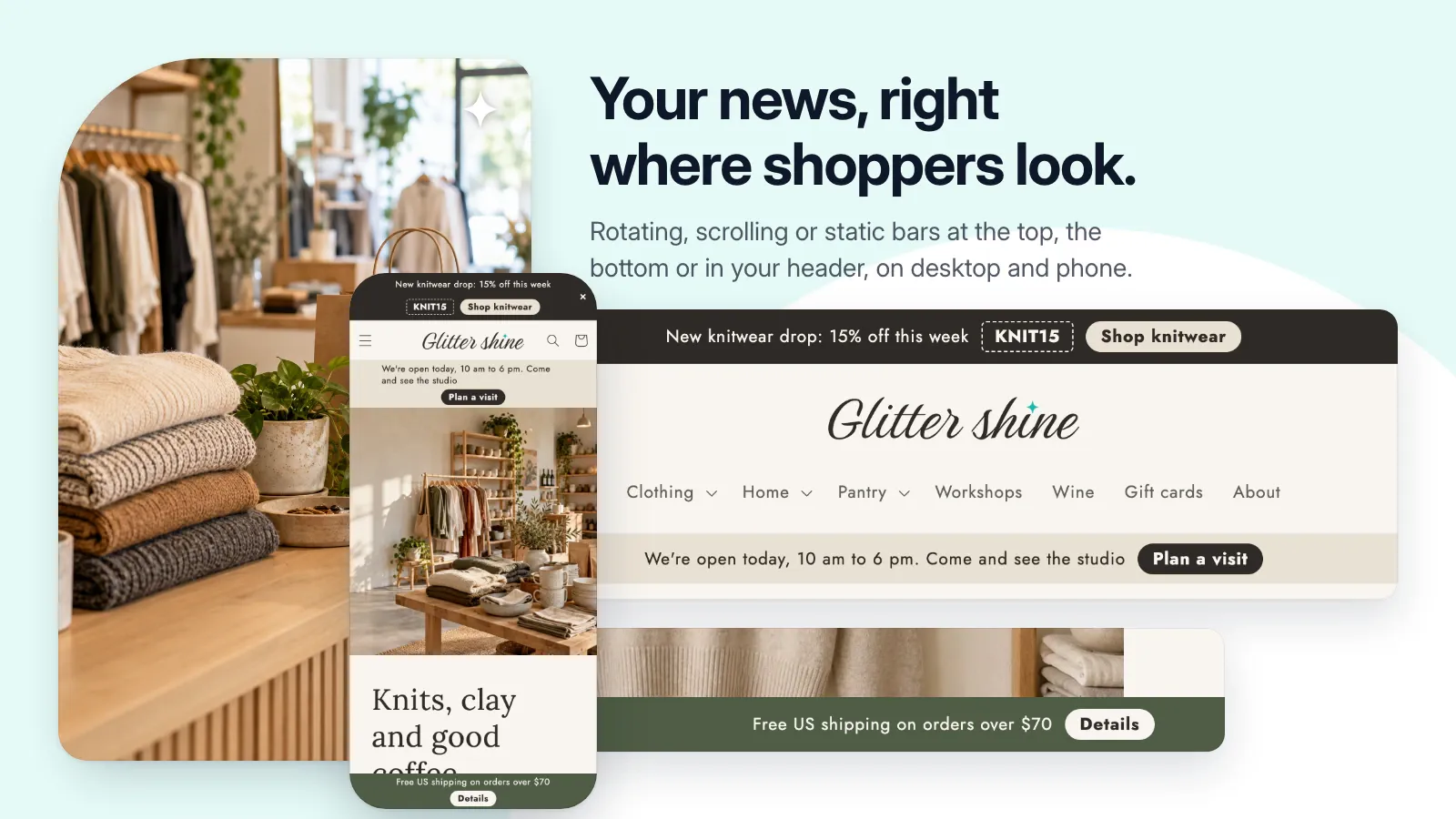
- Static, rotating, or scrolling messages at the top, bottom, or inside the header.
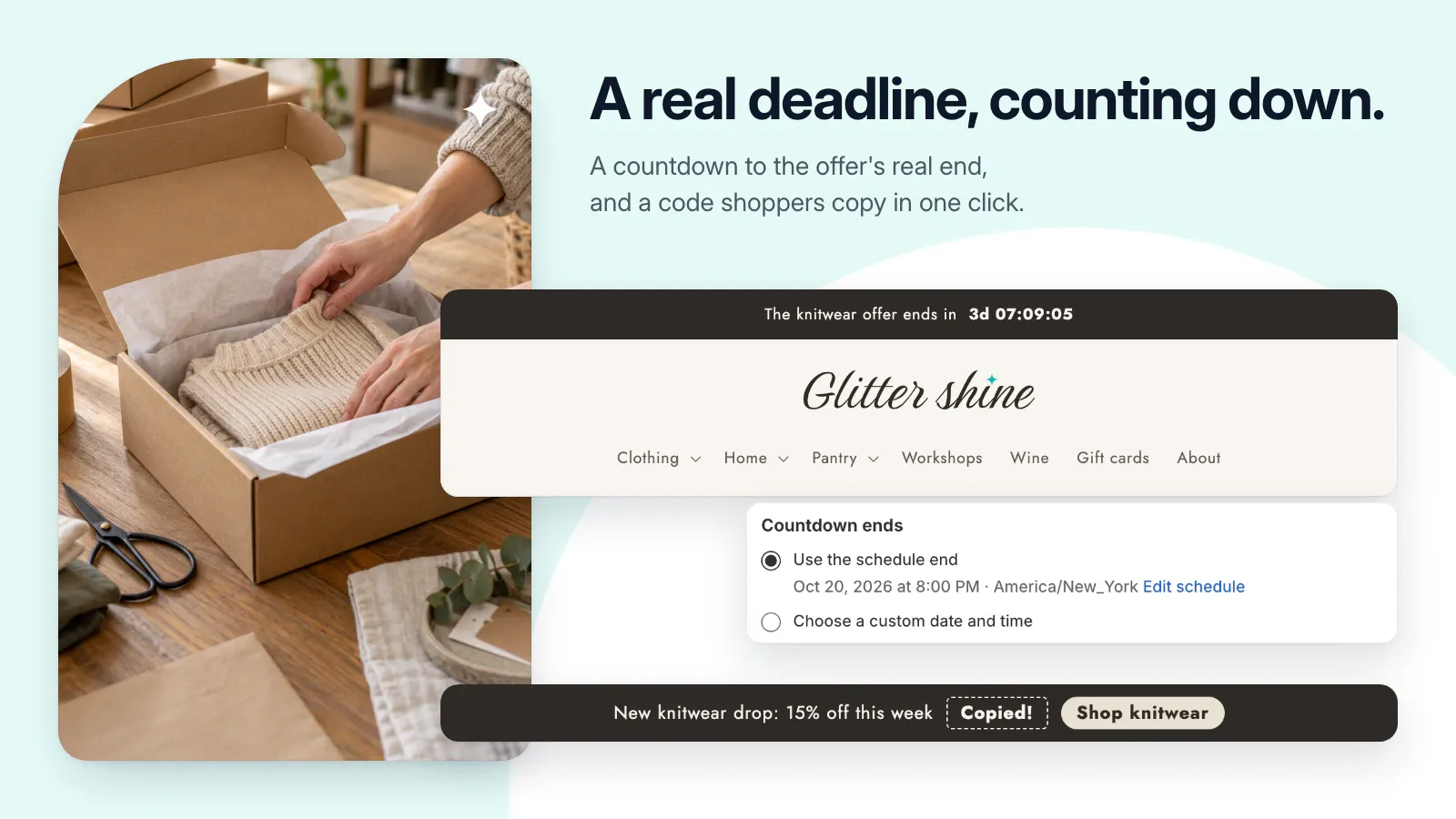
- Countdowns, linked buttons, and click-to-copy discount codes.
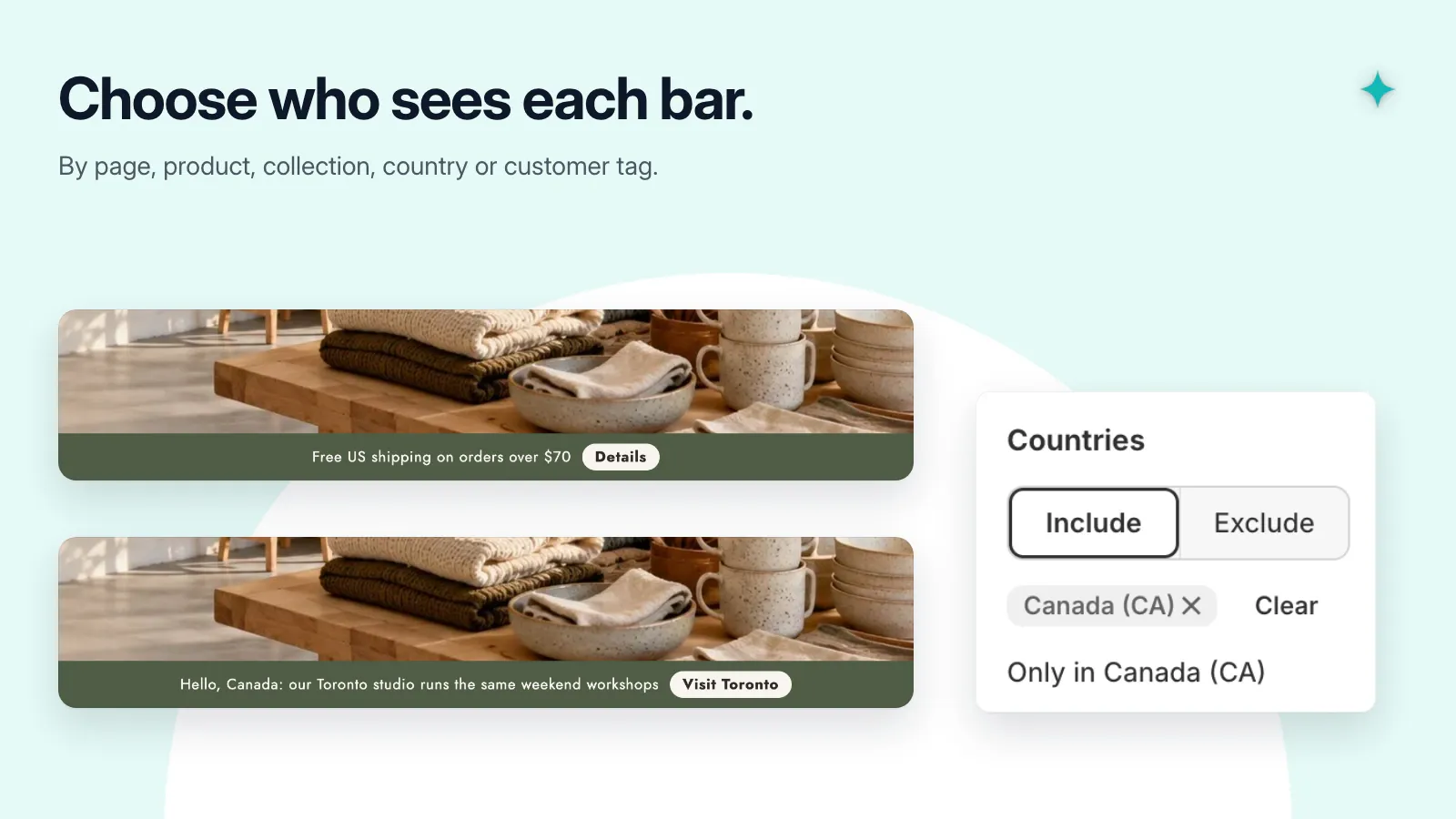
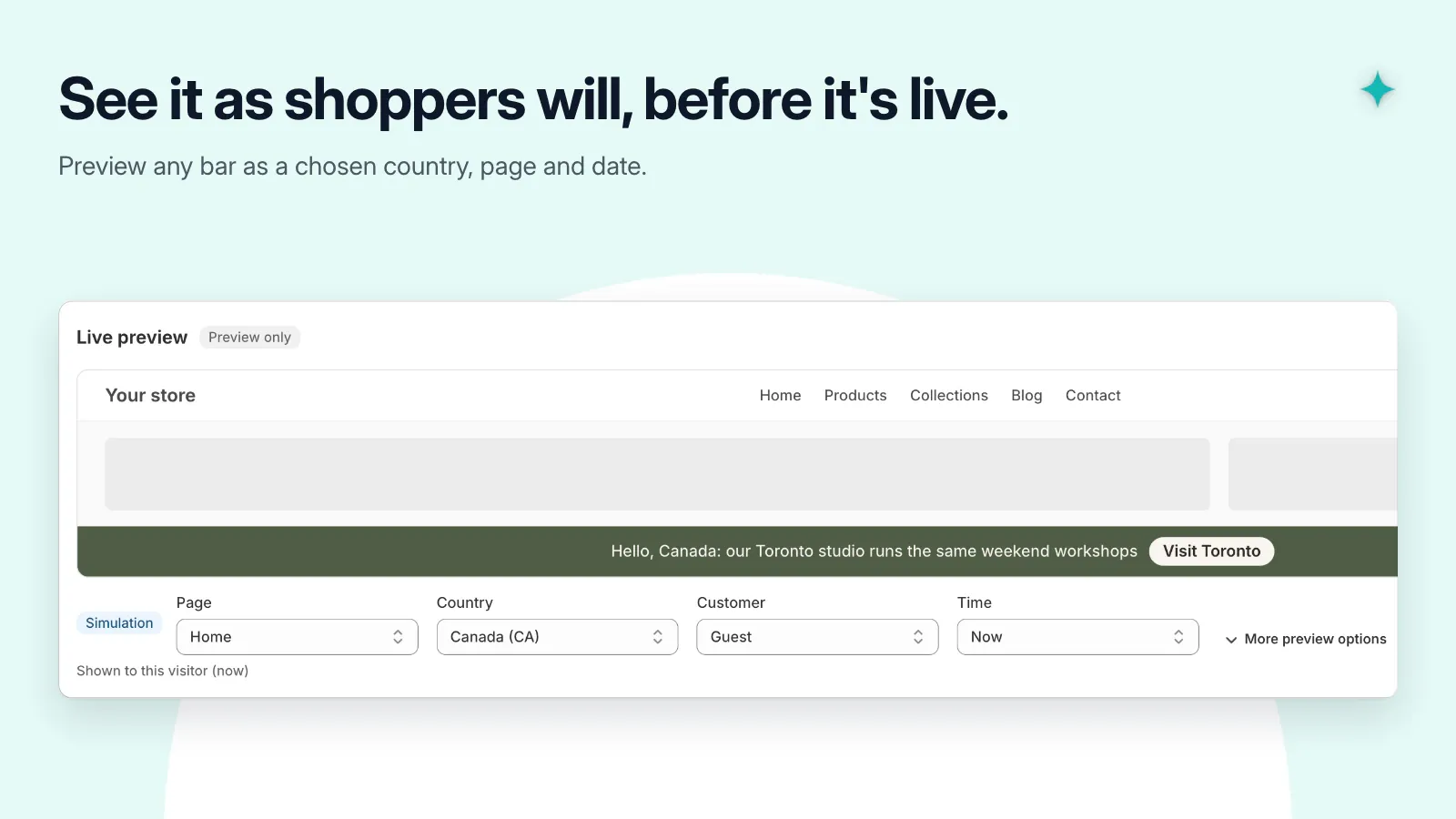
- Target messages by page, product, collection, country, customer, or device.
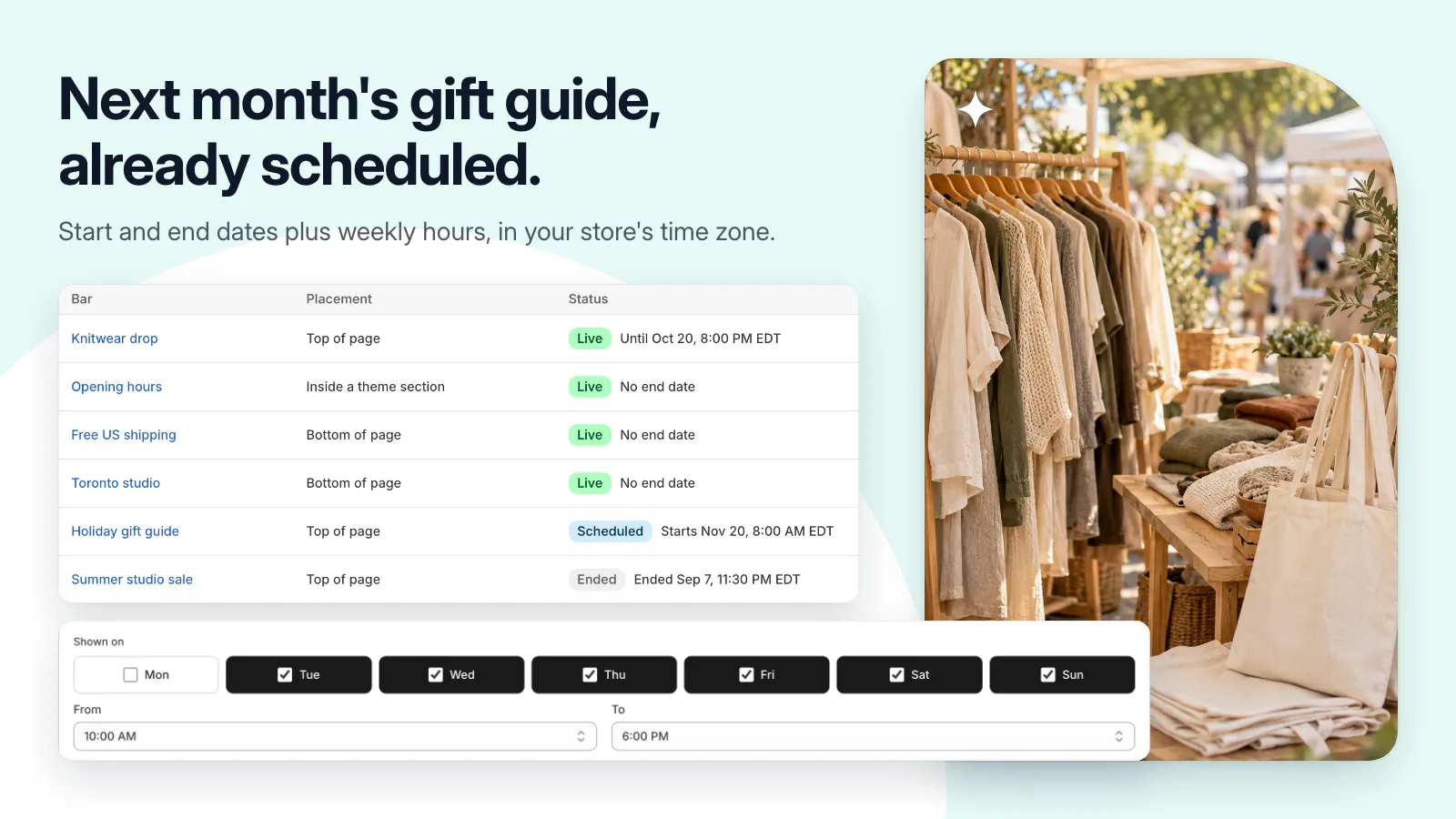
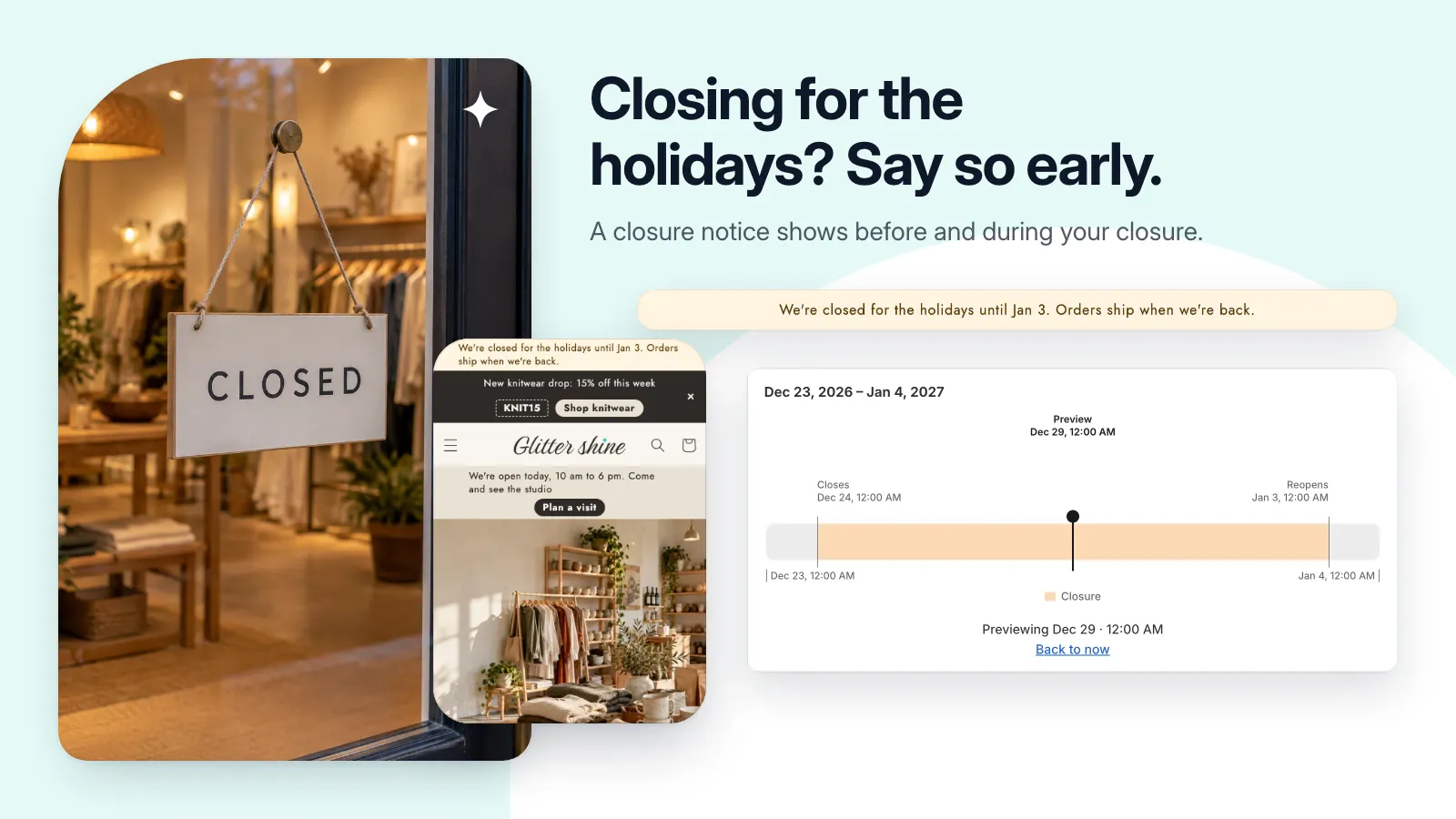
- Schedule opening hours and closures in your store’s time zone.
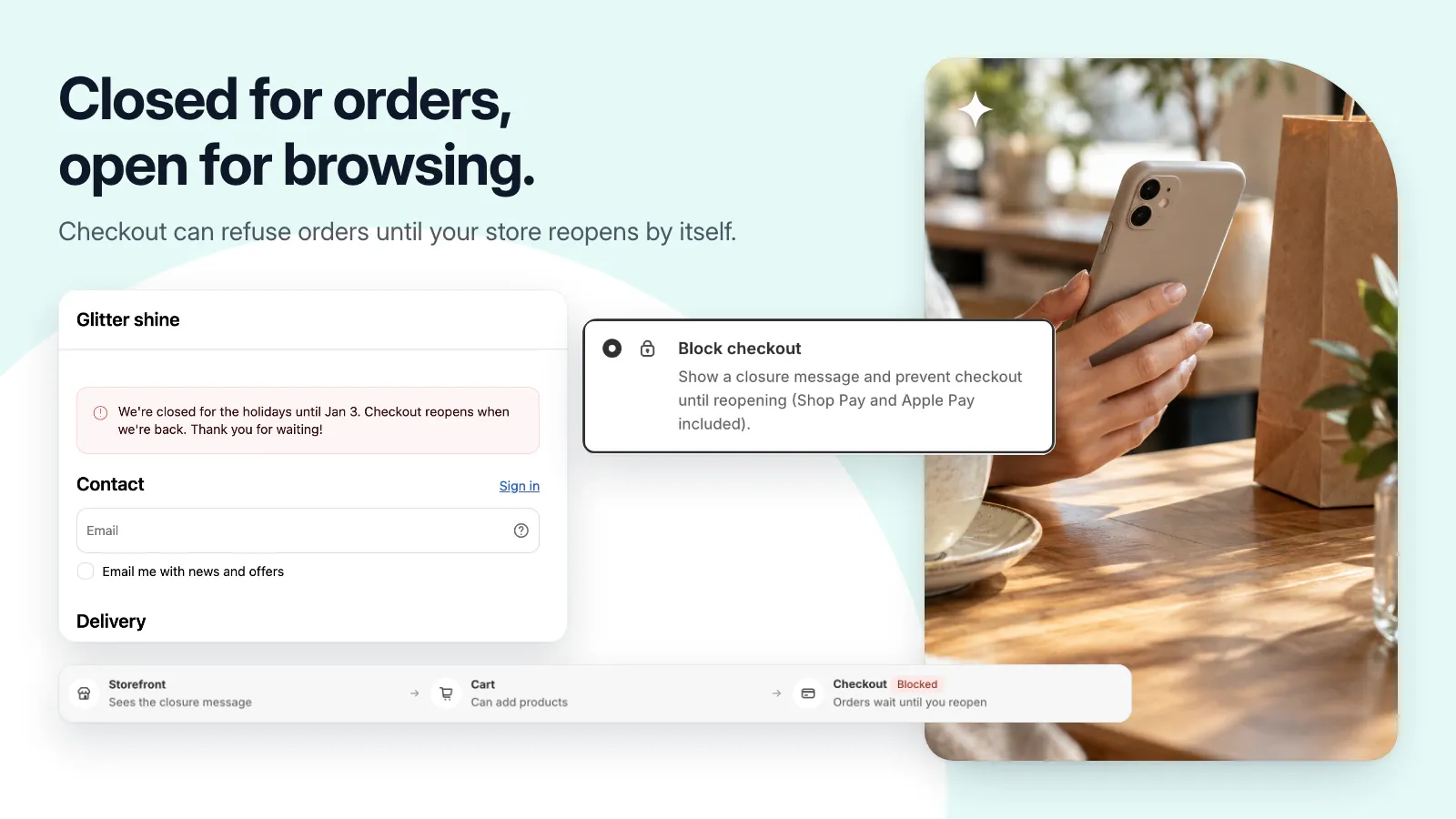
- Optional checkout blocking during a scheduled closure.
Get set up, step by step.
Use this guide when the app becomes available. Finish by checking the result in your own store.
- Start with a template, then edit the messages, link, schedule, and audience. Save your bar.
- For top or bottom placement, enable the app embed in the theme editor. For an inline bar, add the header block. Save the theme.
- Open the storefront and check the bar on desktop and mobile, including its links and any countdown.
- If you need vacation mode, configure your closures separately and check the notice and checkout behavior before relying on it.