Store design
Glitter Store Locator
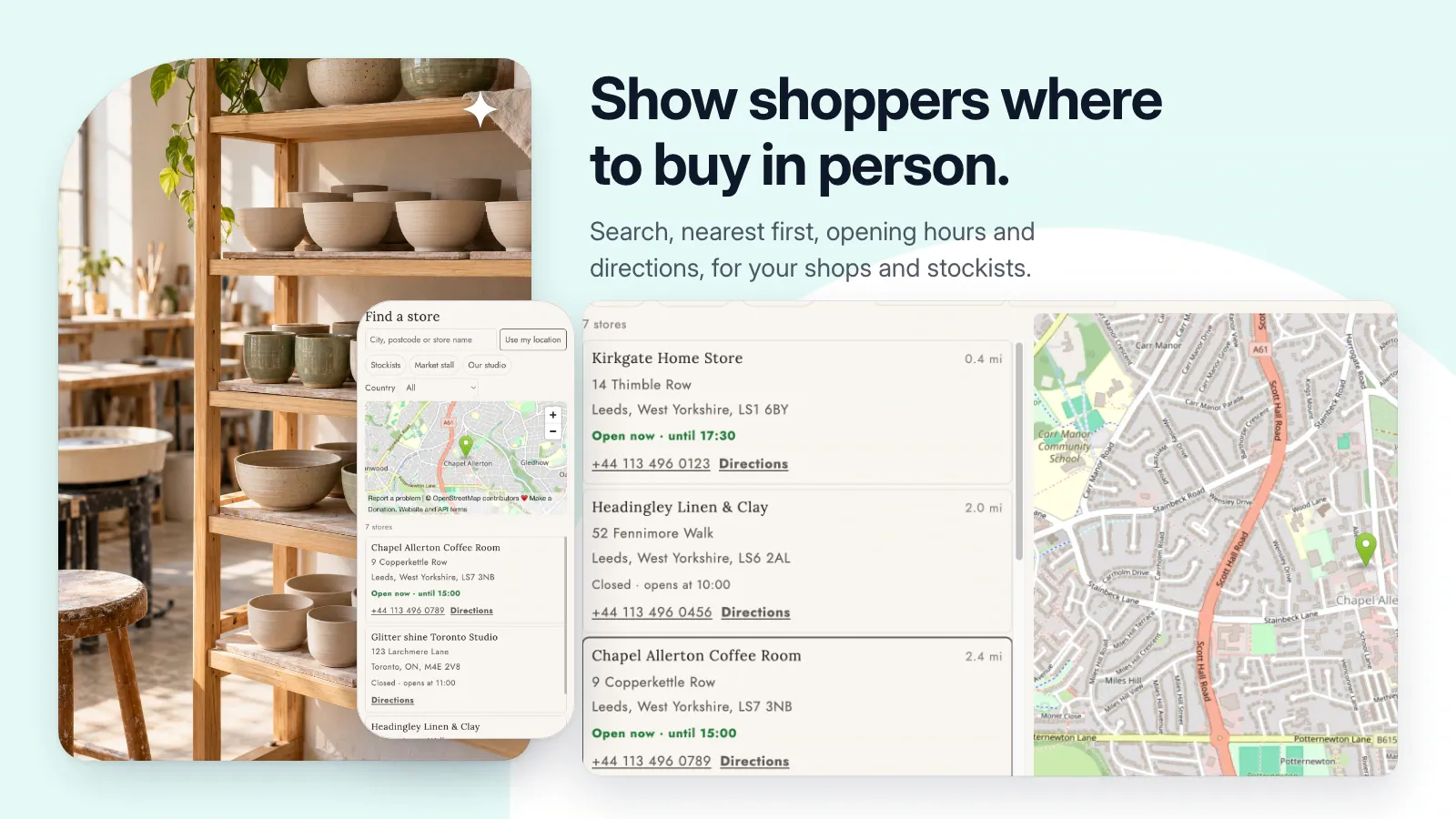
Help customers find your stores and stockists with searchable locations, opening hours, and directions.
Public installation is not yet available. Launch details will be added when confirmed.
A closer look
See it at work.
Pictures use a demonstration store and its data. Select one to see it at full size.
A useful little addition to your store.
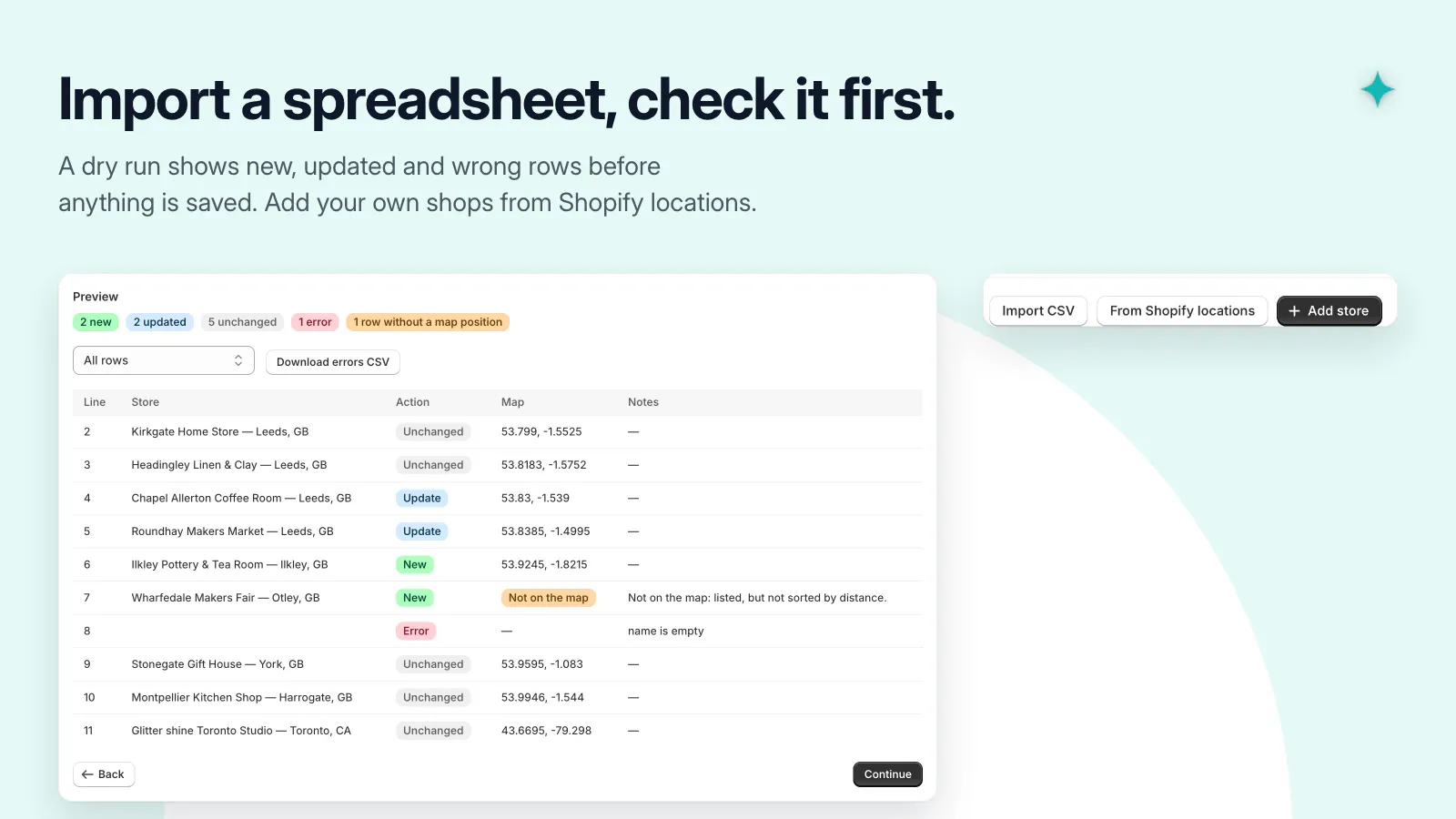
- Import locations from CSV after reviewing a dry run.
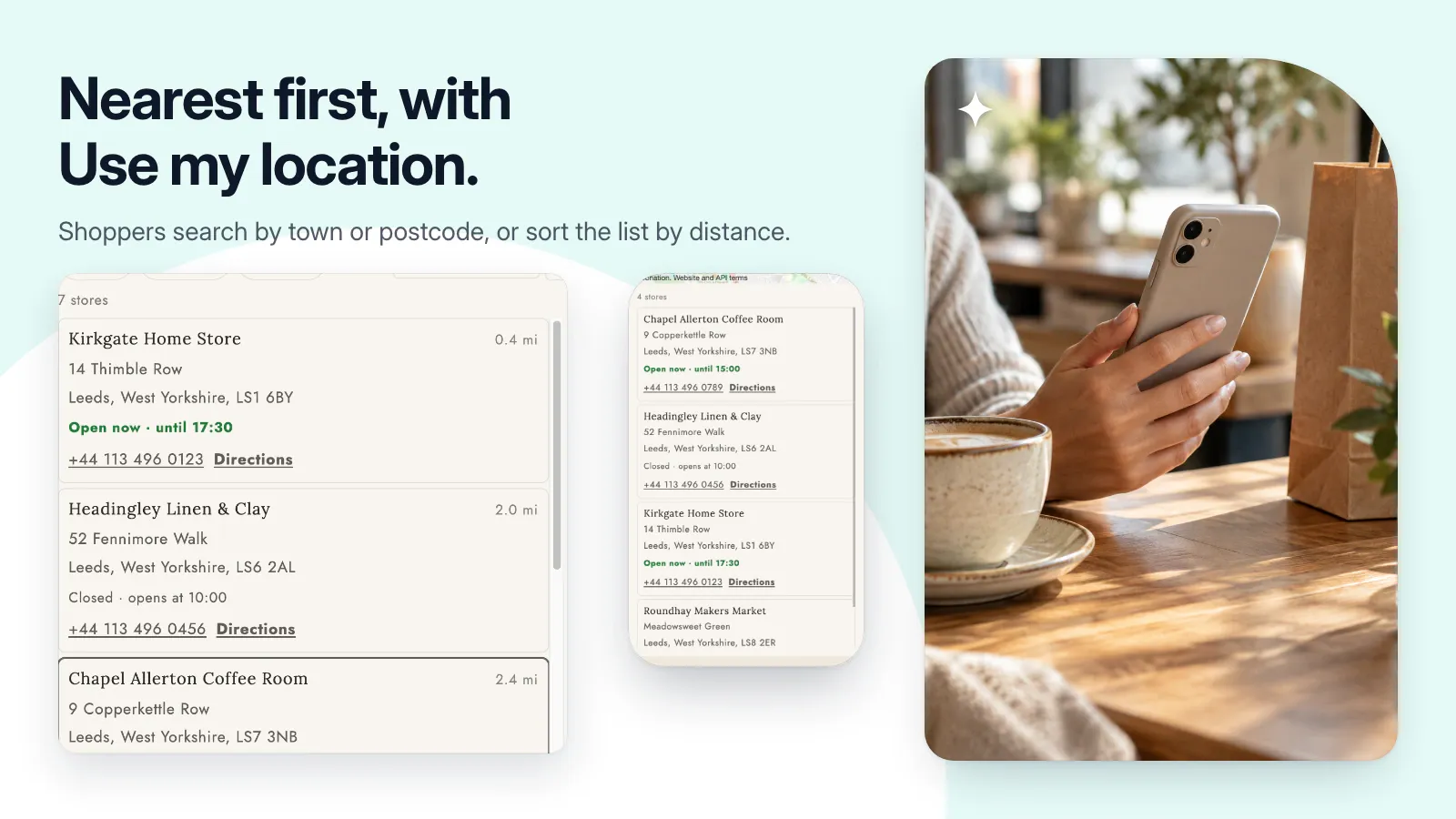
- Search by town or postcode and sort by nearest location.
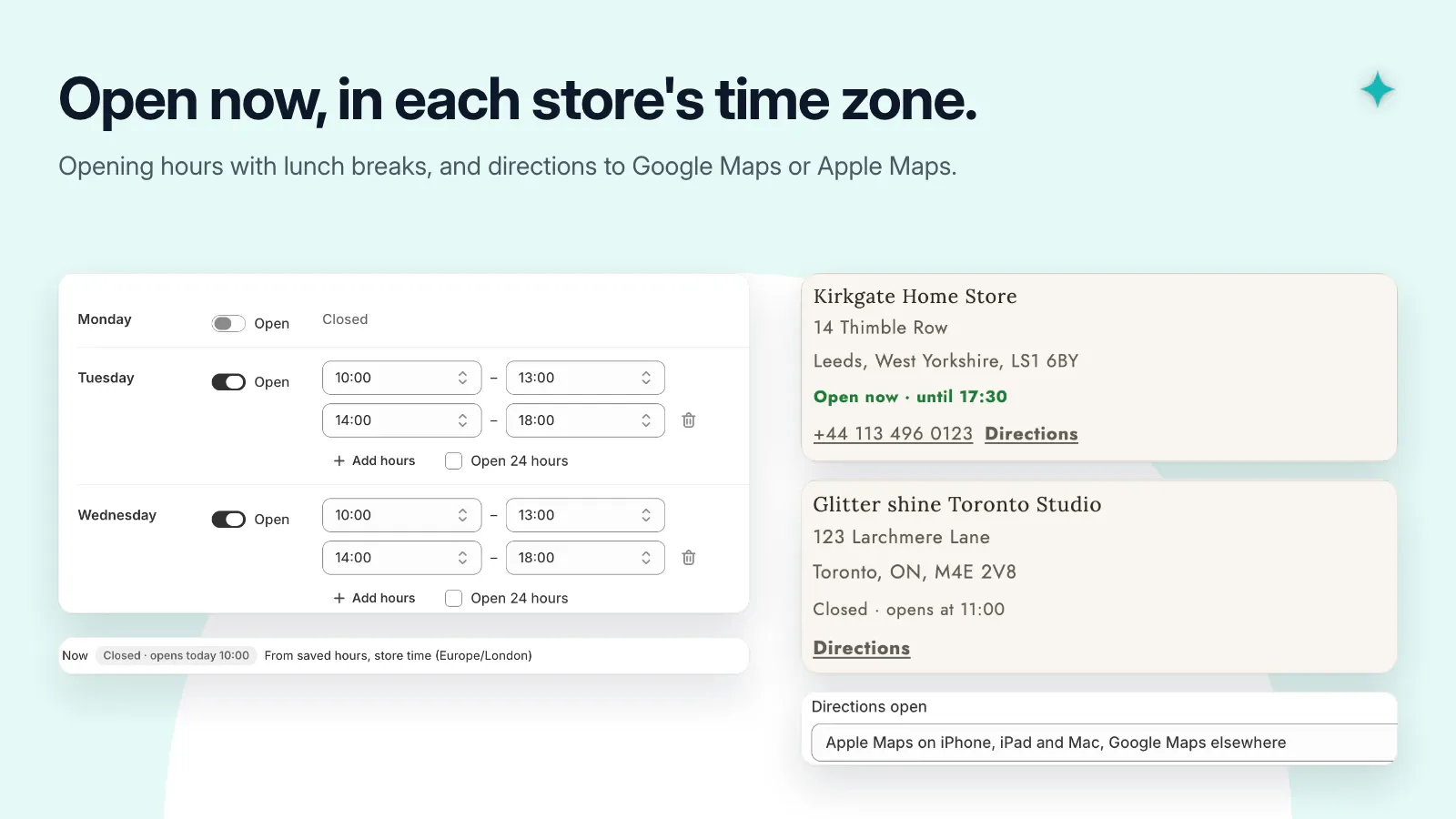
- Show opening hours and directions links.
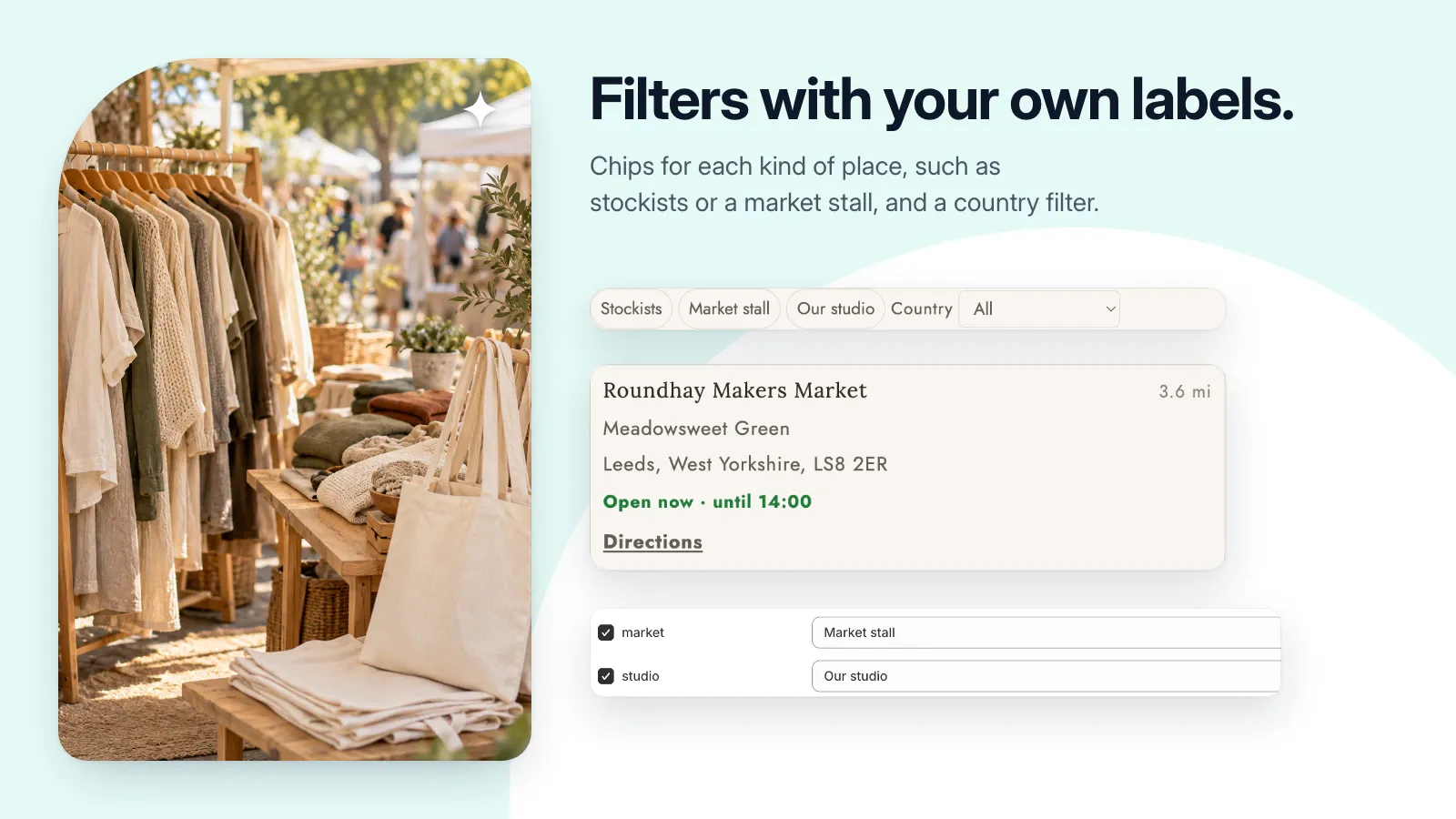
- Organize locations with tags and country filters.
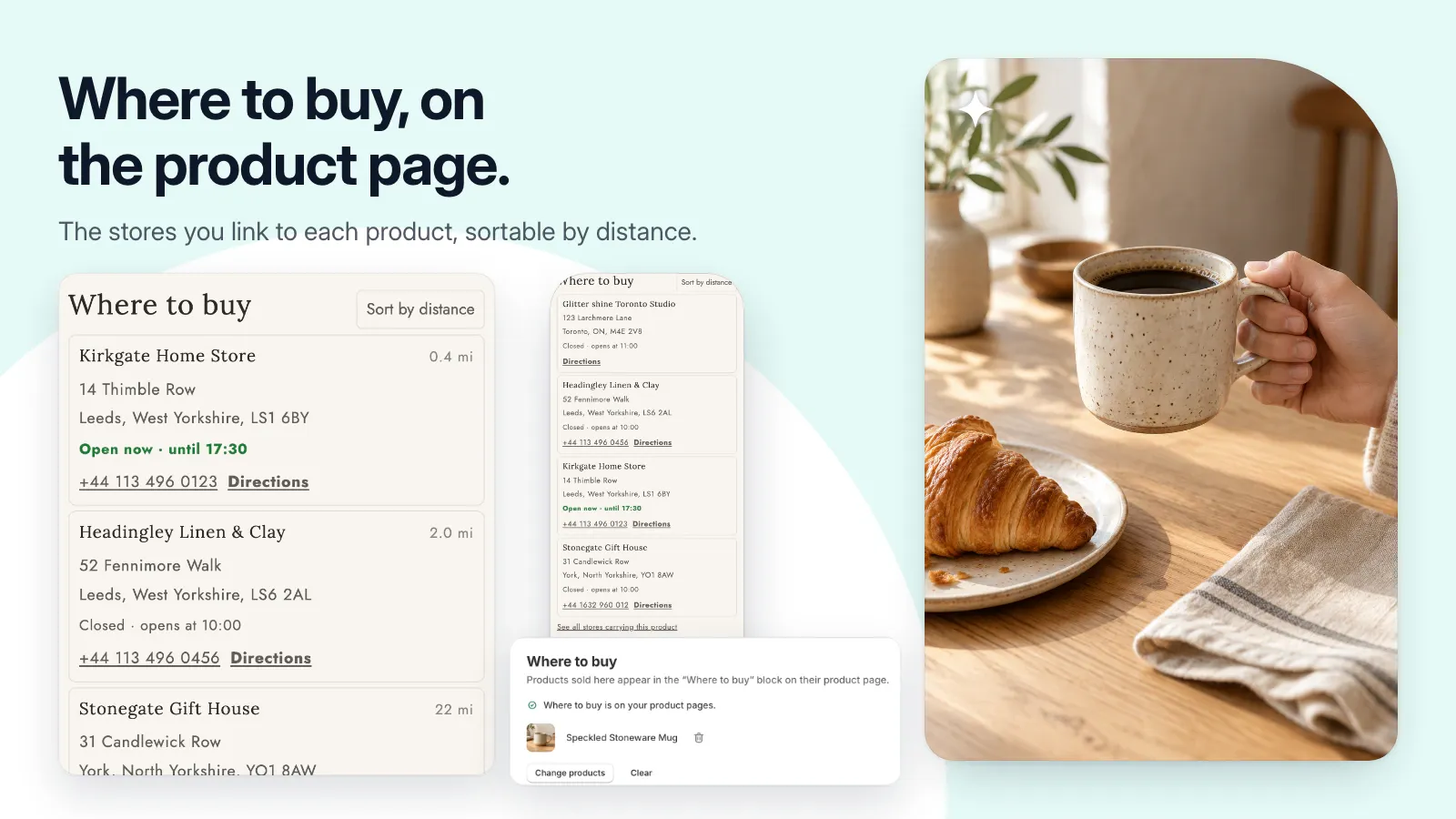
- Link selected products to a Where to buy list.
Get set up, step by step.
Use this guide when the app becomes available. Finish by checking the result in your own store.
- Add your locations or import a CSV. Check addresses, coordinates, hours, and time zones.
- Create or select a storefront page, add the Store Locator block in the theme editor, and save.
- If you use Where to buy on products, select the real locator page in the block settings.
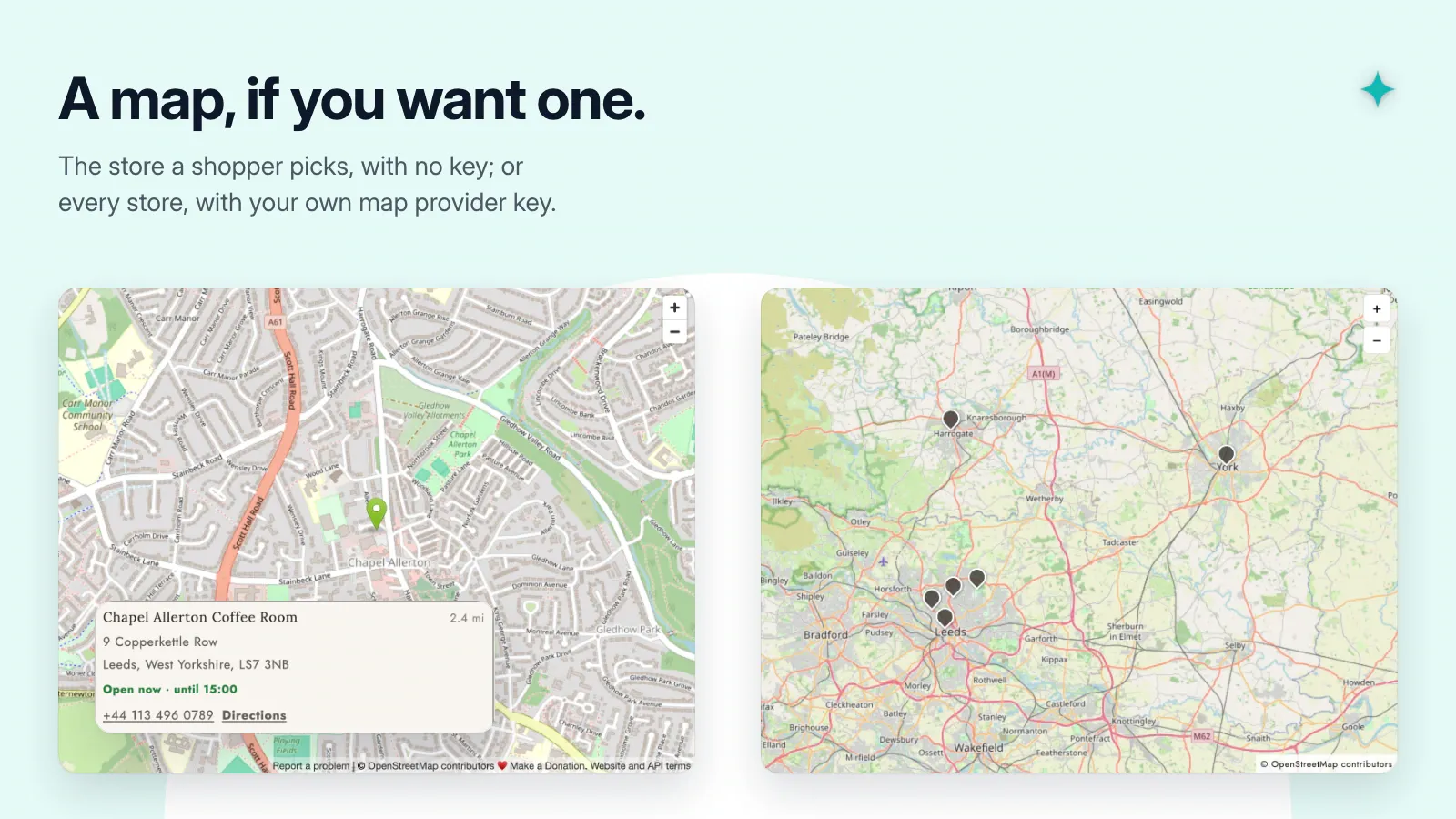
- Add a link to the locator in your navigation and check searches, directions, and any map markers on the live page.