Customer support
Glitter WhatsApp Chat
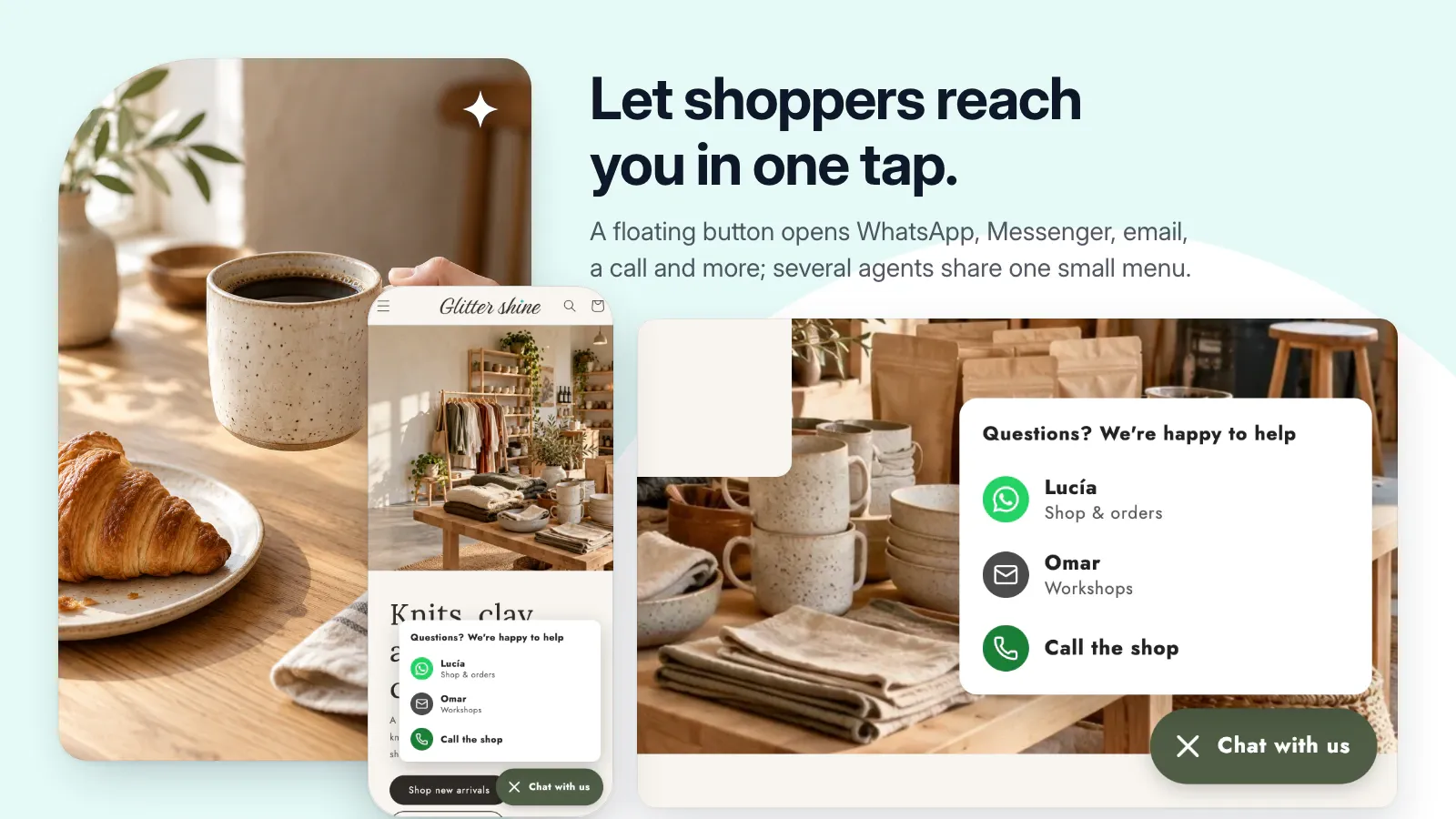
Make it easier to reach you with floating chat buttons, product questions, and social links.
Public installation is not yet available. Launch details will be added when confirmed.
A closer look
See it at work.
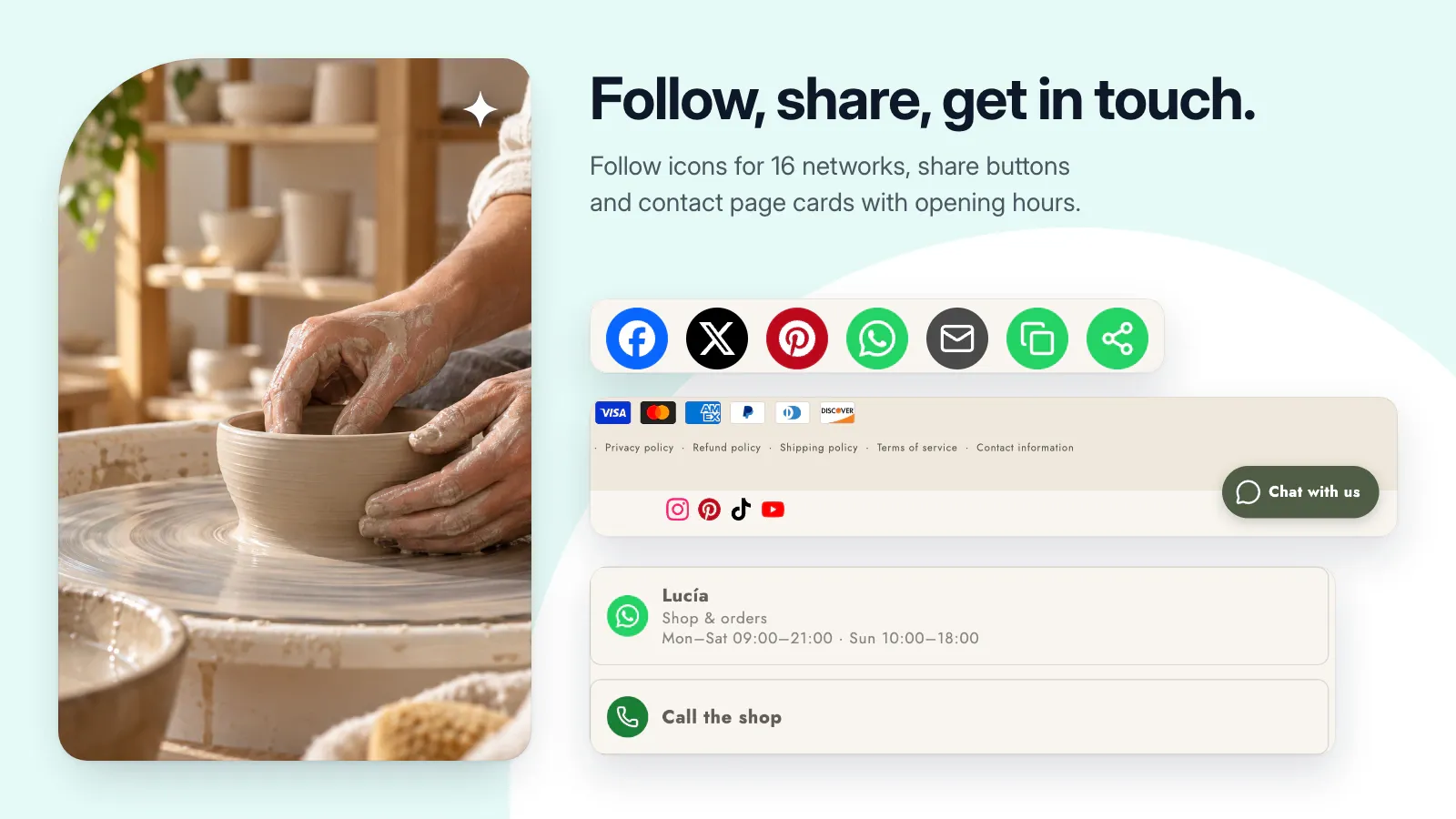
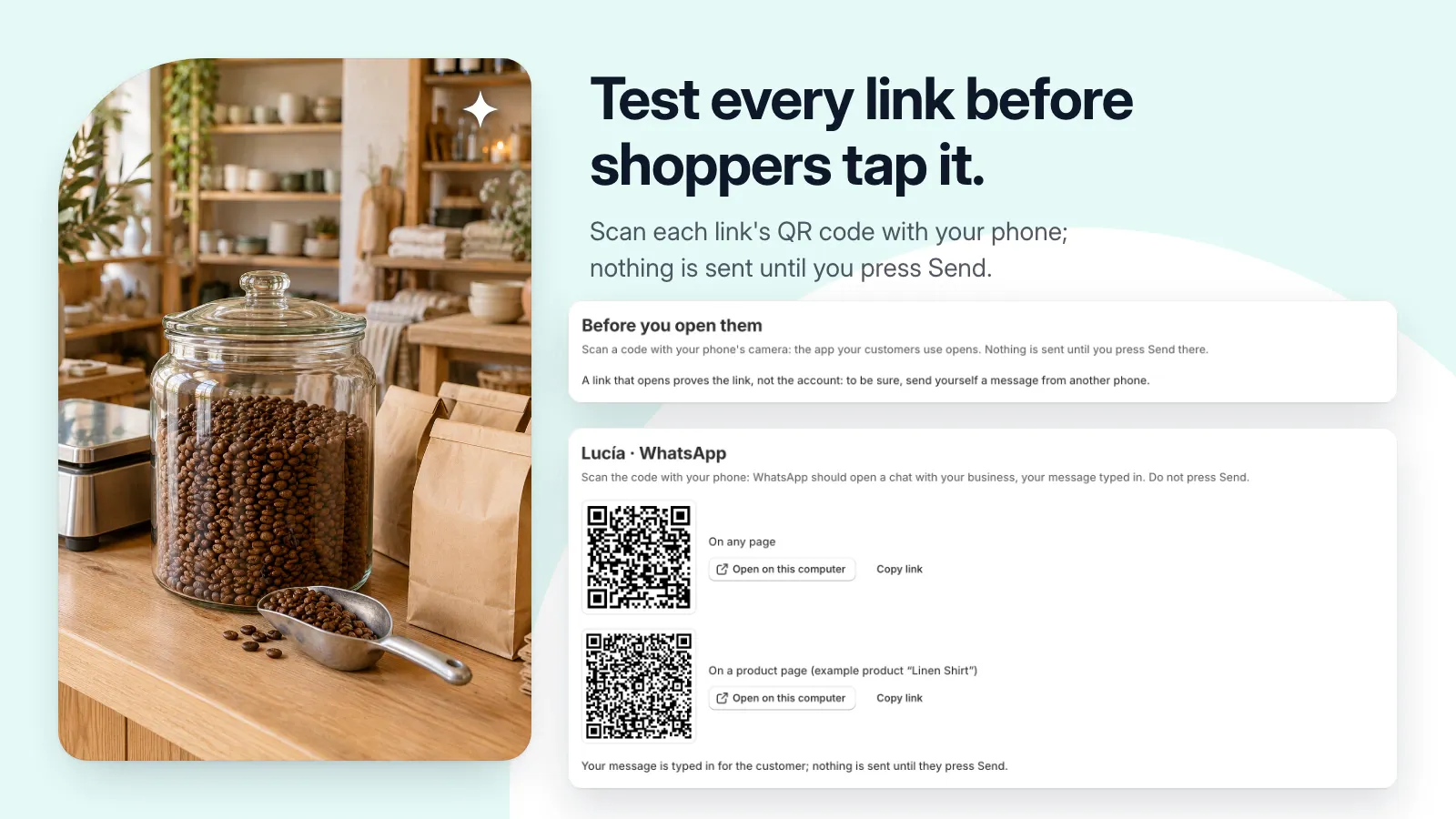
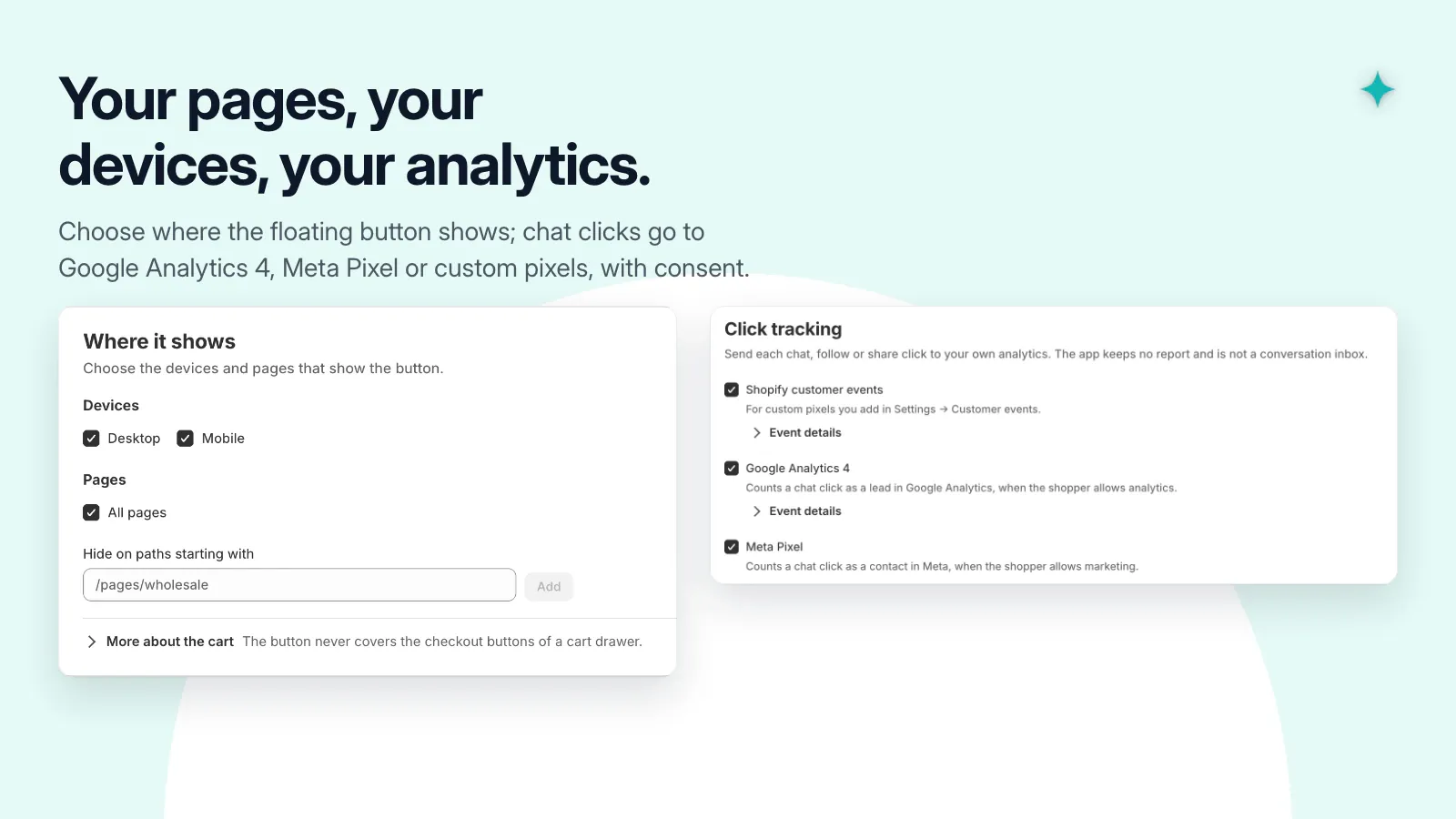
Pictures use a demonstration store and its data. Select one to see it at full size.
A useful little addition to your store.
- Add contact links for WhatsApp, Messenger, Telegram, phone, email, and more.
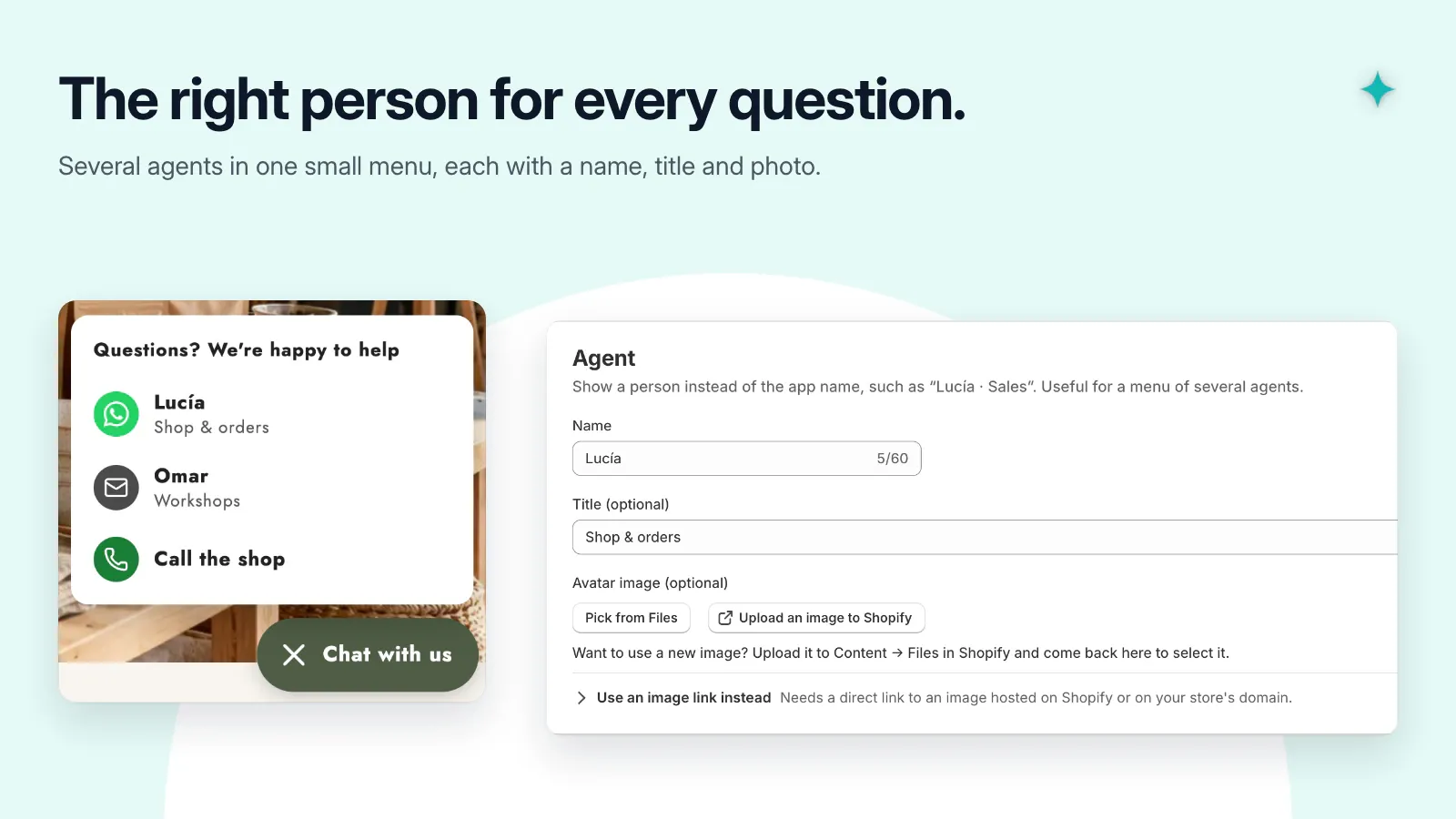
- Show a single channel or a small menu of agents.
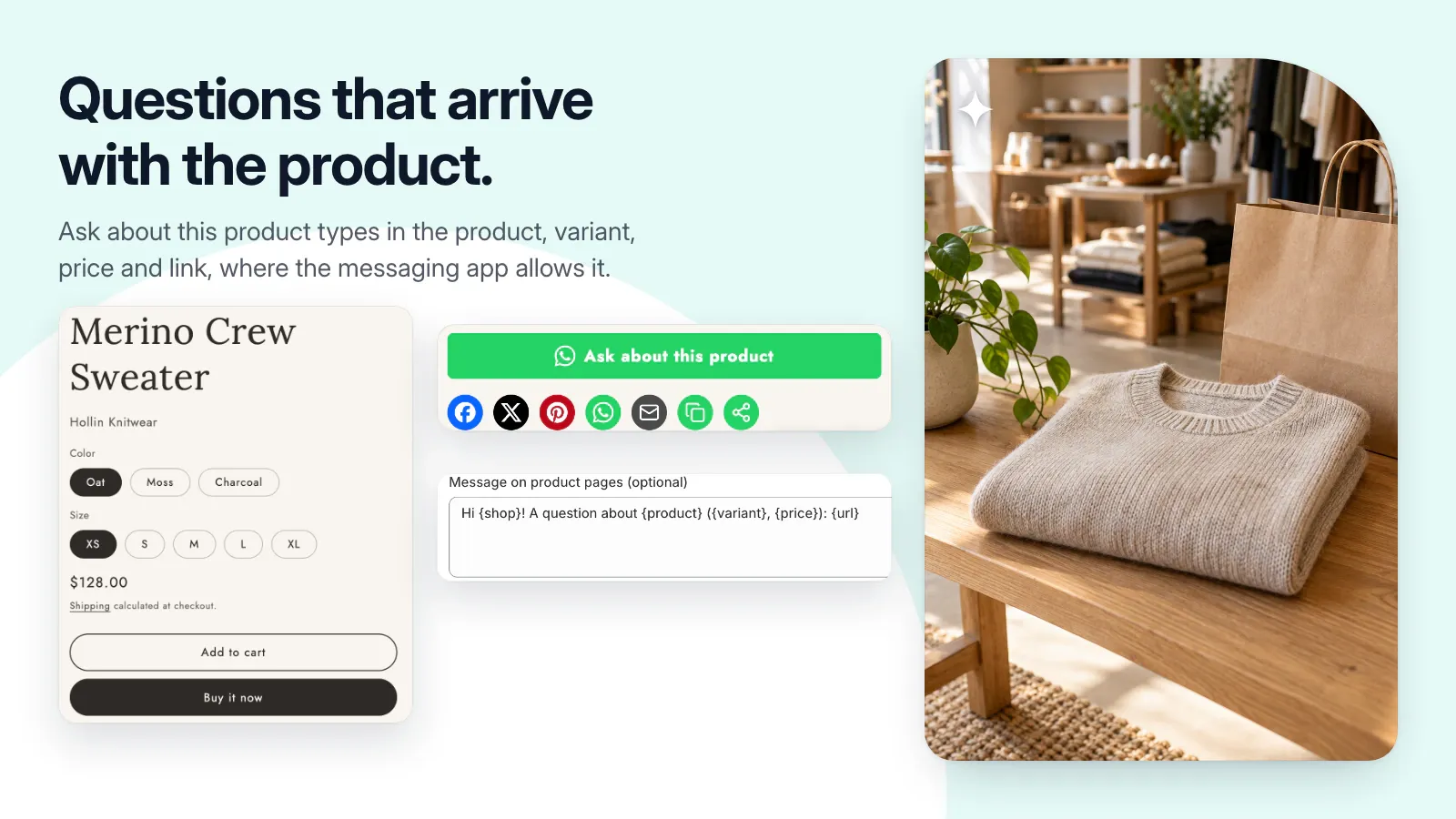
- Add an Ask about this product button with product details.
- Place follow icons, sharing buttons, or contact cards in your theme.
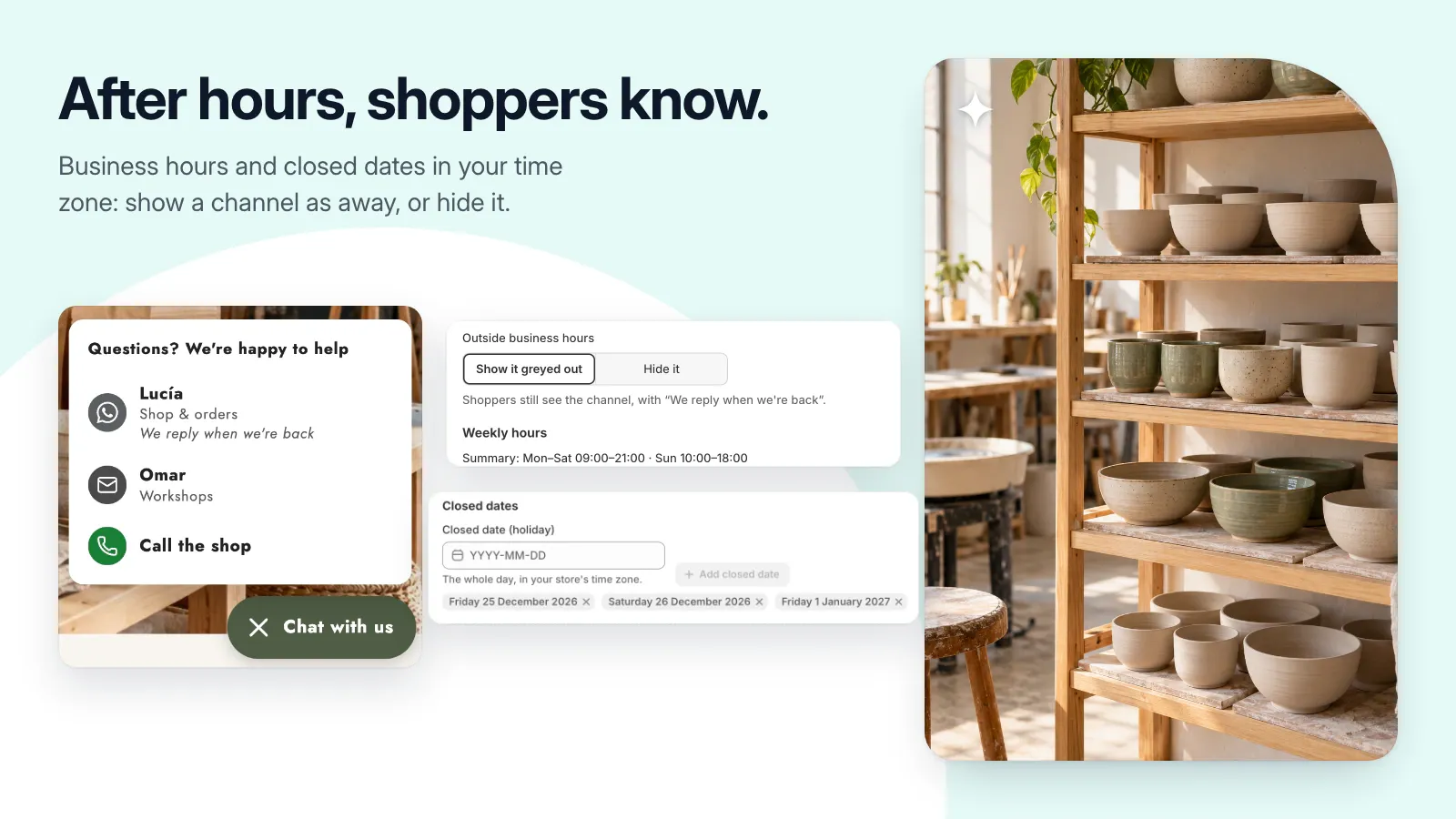
- Set business hours and an away message using your store’s time zone.
Get set up, step by step.
Use this guide when the app becomes available. Finish by checking the result in your own store.
- Create a channel using the correct country code, phone number, email address, or profile link.
- For a floating button, enable the app embed. For product questions or contact cards, add the corresponding theme block and save.
- Configure labels and optional business hours, then check the storefront.
- Test each destination on a real phone without sending a message. For product questions, switch variants and verify the prepared message matches the current selection.