Store design
Glitter Product Labels
Give product cards a little more context with rule-based sale, new-arrival, and stock badges.
Public installation is not yet available. Launch details will be added when confirmed.
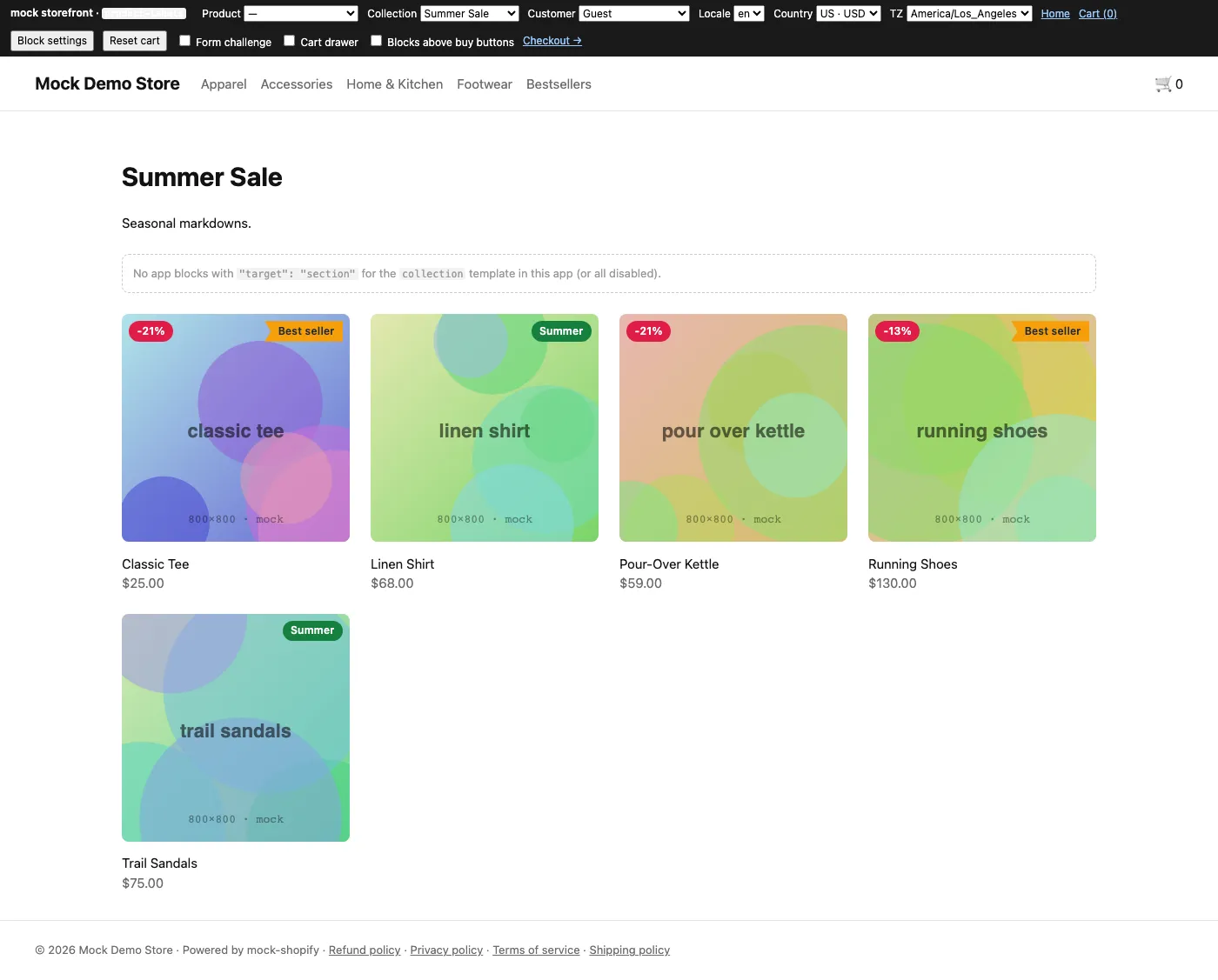
A useful little addition to your store.
- Create labels using sale, stock, tag, collection, vendor, or price rules.
- Show sale percentages calculated from compare-at prices.
- Choose badge shapes, colors, sizes, and positions.
- Schedule labels in your store’s time zone.
- Add an inline label next to a product title.
Get set up, step by step.
Use this guide when the app becomes available. Finish by checking the result in your own store.
- Create a label with a clear rule and a short message. Preview the style and save.
- Enable the app embed and save your theme. Add the inline product block if you need a label next to the title.
- Check collection cards, search results, and product pages in your actual theme on desktop and mobile.
- If labels are missing or misplaced, stop before publishing and ask for a compatibility check.