Orders & delivery
Glitter Delivery Date Picker
Let shoppers choose a delivery or pickup date from the days and time slots your store can offer.
Public installation is not yet available. Launch details will be added when confirmed.
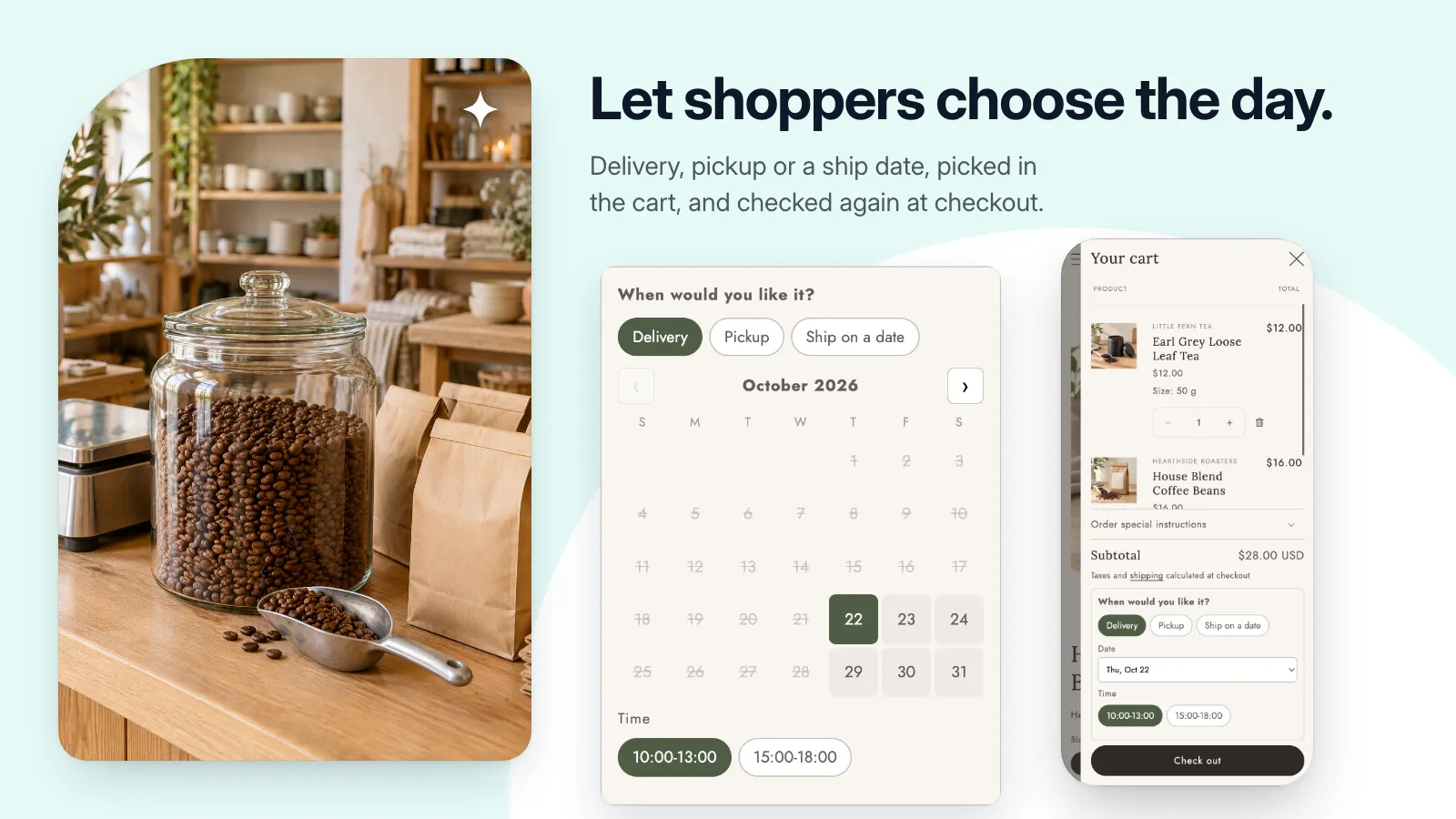
A closer look
See it at work.
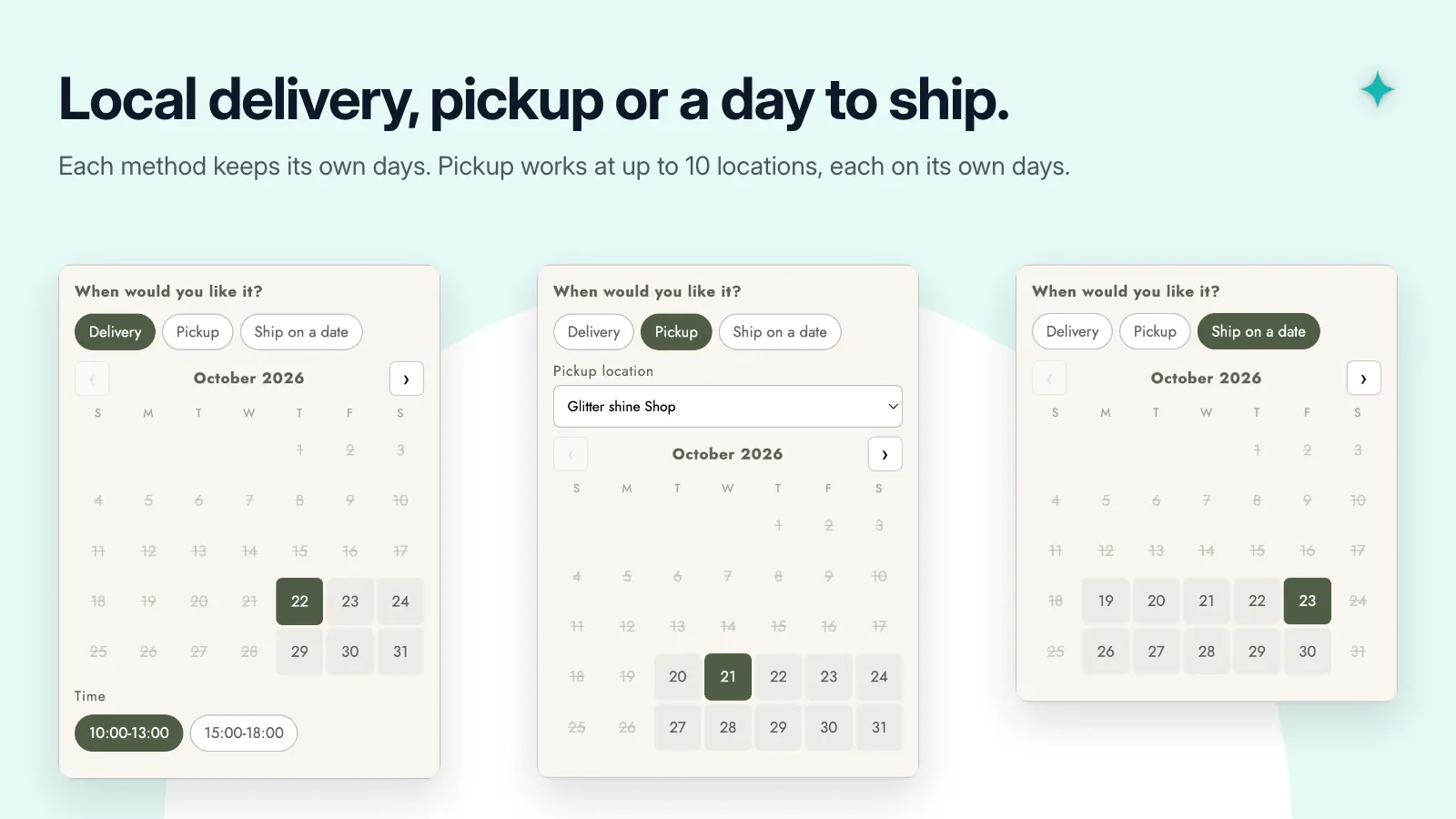
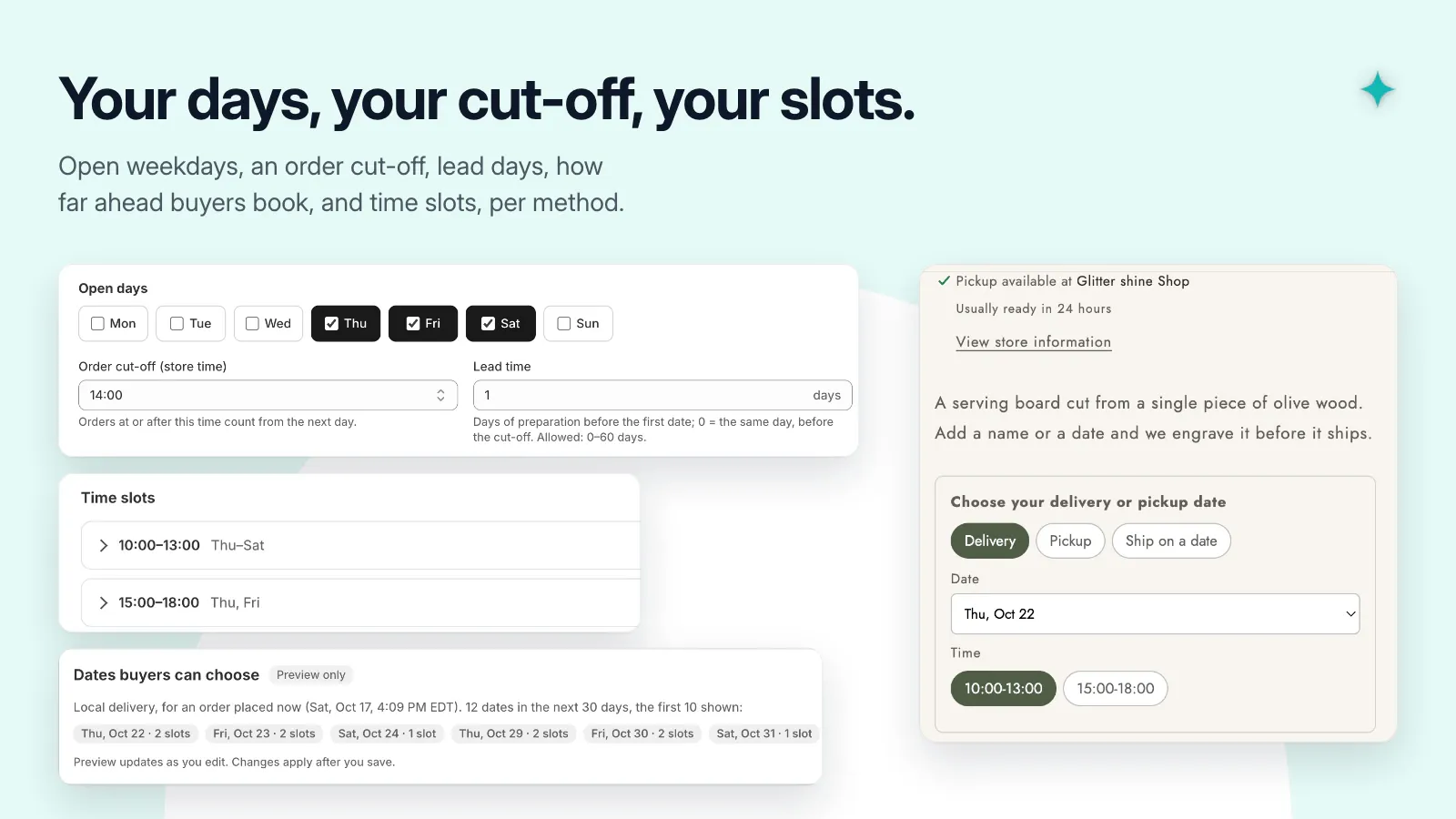
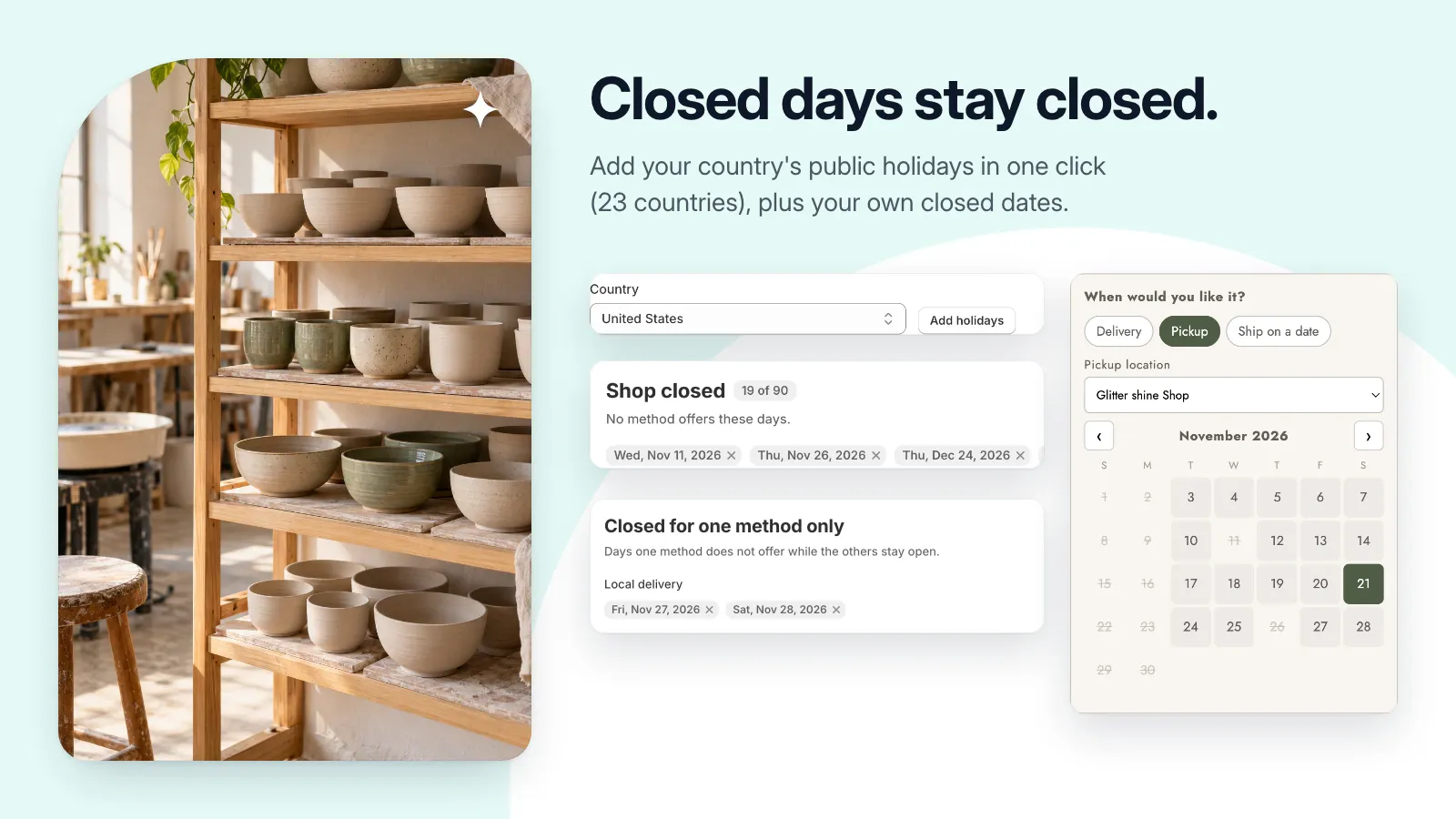
Pictures use a demonstration store and its data. Select one to see it at full size.
A useful little addition to your store.
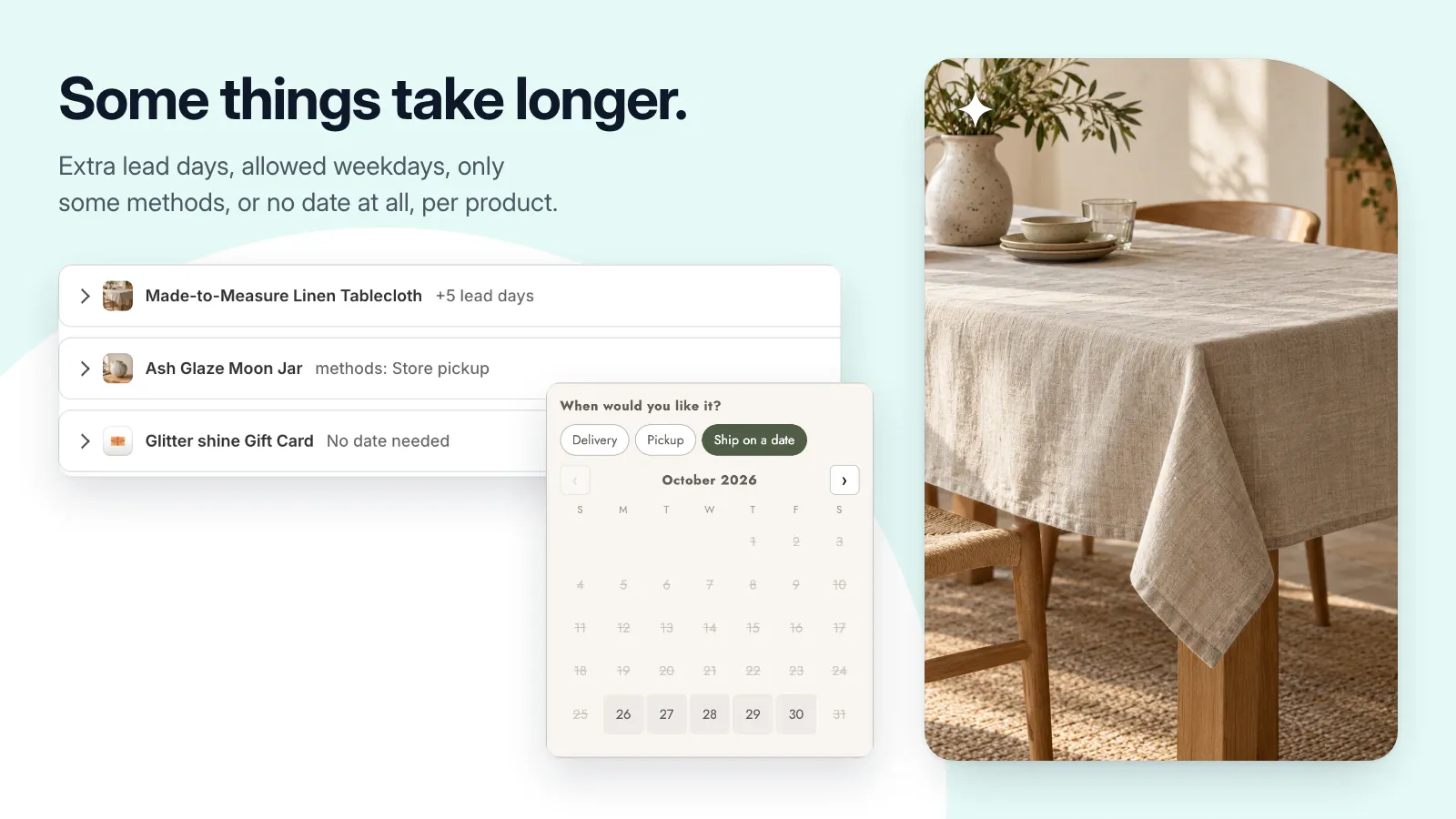
- Configure local delivery, store pickup, and ship-on-a-date methods.
- Set lead days, cut-off times, open weekdays, and booking windows.
- Offer time slots and exclude closed dates.
- Add the date picker to the cart, cart drawer, or a product page.
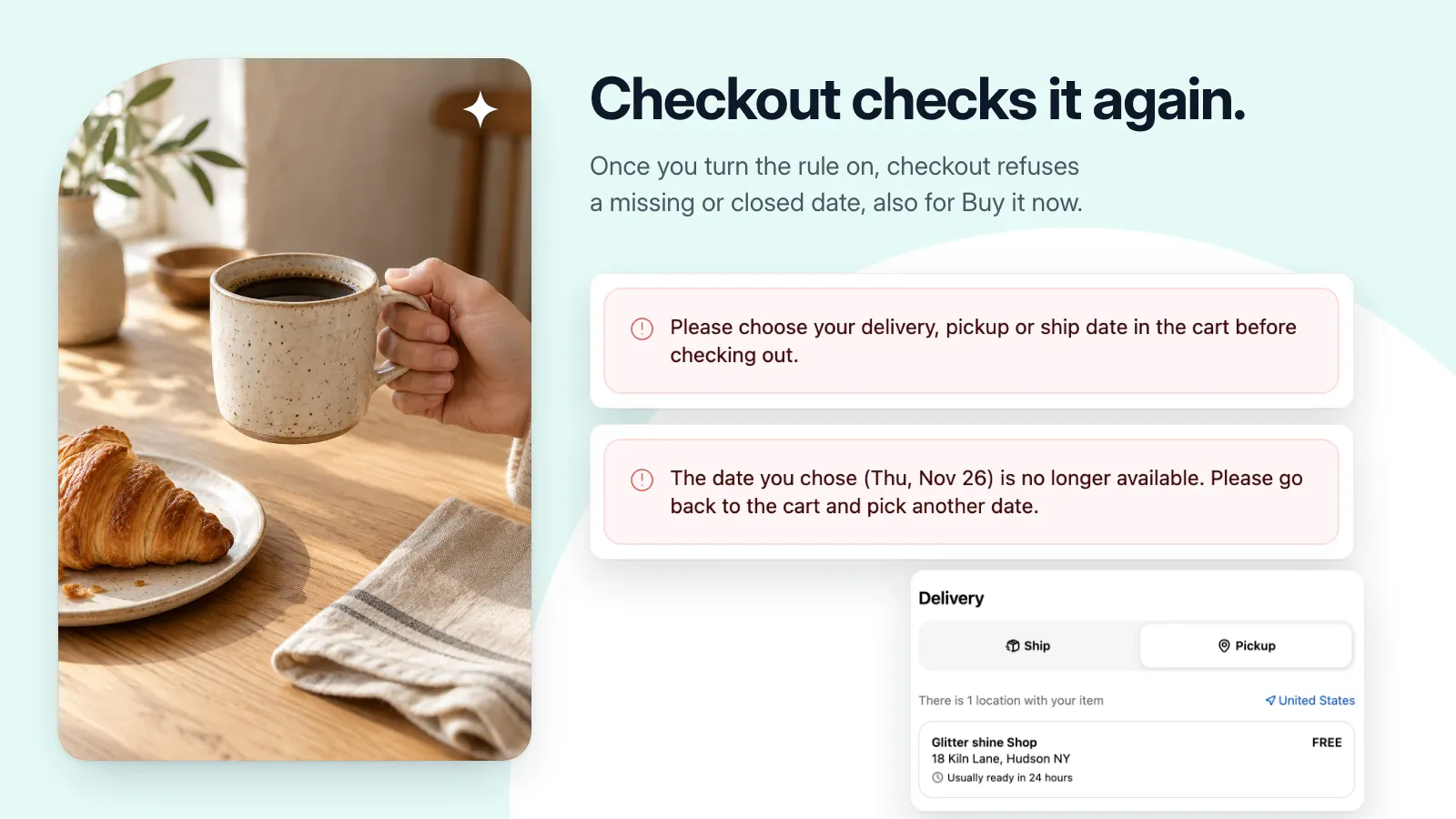
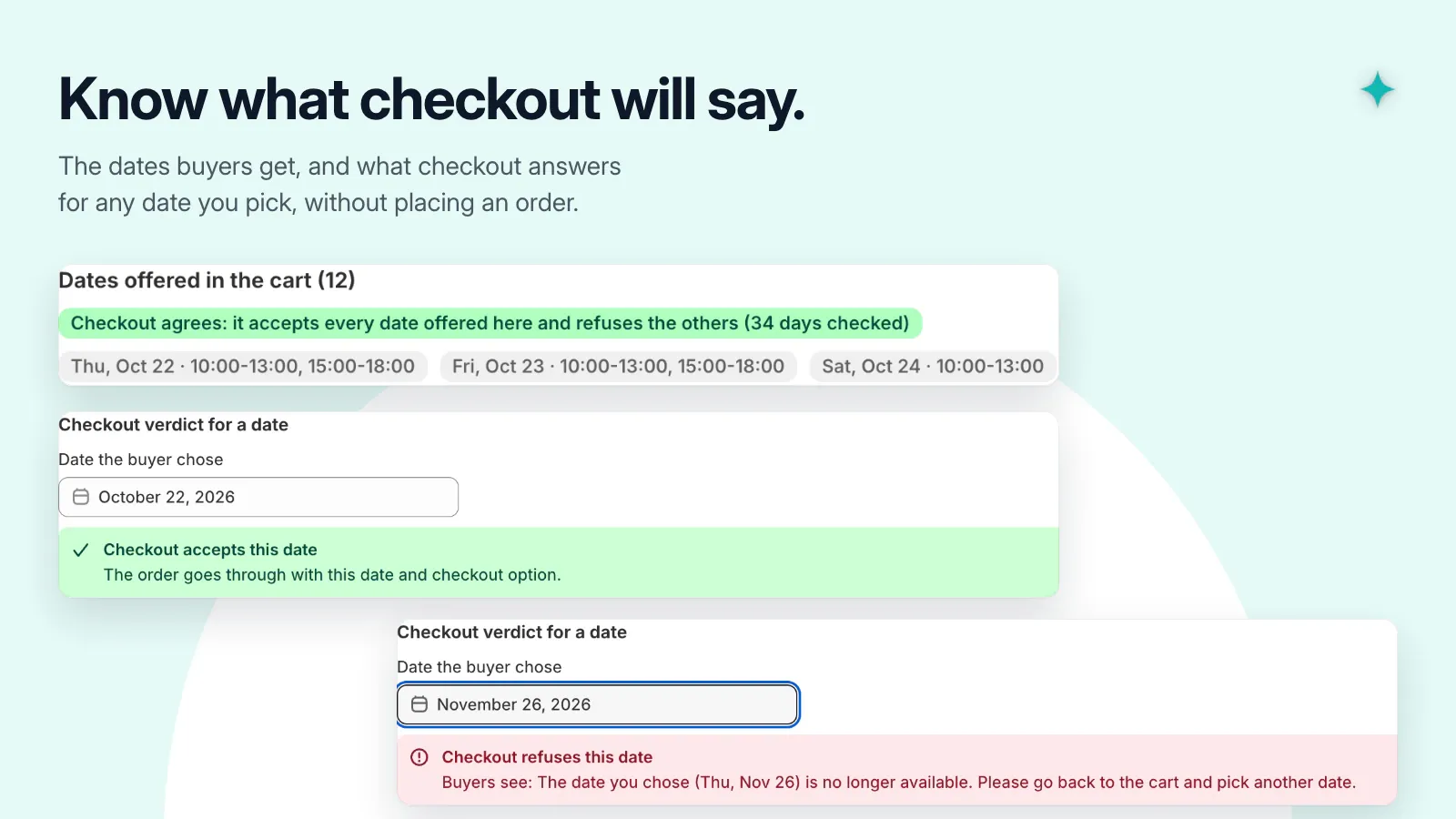
- Validate dates at checkout and save the selected date, slot, and method on the order.
Get set up, step by step.
Use this guide when the app becomes available. Finish by checking the result in your own store.
- Confirm your store’s time zone, then configure the delivery or pickup methods you actually offer.
- Set lead time, cut-off time, available weekdays, slots, and closed dates for each method.
- Enable the picker in your theme and configure the checkout validation rule. Save both the app settings and theme.
- Test an available date, a closed date, and a missing date. Check that the selected details appear on a test order.